Hello Friends, In this article I have listed 35+ Best HTML CSS 404 Page Templates which are available on CodePen.
Best Collection of 404 error page design
#1: 404 Page – Lost In Space

404 Page – Lost In Space, which was developed by Saleh Riaz Qureshi. Moreover, you can customize it according to your wish and need.
Author: Saleh Riaz Qureshi
Created on: April 23, 2018
Made with: HTML, CSS & JS
Tags: 404 Page Lost In Space
#2: 404 SVG animated page concept

404 SVG animated page concept, which was developed by Volodymyr Hashenko. Moreover, you can customize it according to your wish and need.
Author: Volodymyr Hashenko
Created on: October 7, 2016
Made with: HTML & CSS
Tags: 404 SVG animated page concept
#3: Oops! 404 error page template

Oops 404 error page design, which was developed by Israa Adnan. Moreover, you can customize it according to your wish and need.
Author: Israa Adnan
Created on: June 30, 2021
Made with: HTML & CSS
Tags: Oops 404 error page template
#4: Simple 404 page error template

Simple 404 page error template, which was developed by Naved khan. Moreover, you can customize it according to your wish and need.
Author: Naved khan
Created on: June 18, 2018
Made with: HTML & CSS
Tags: Simple 404 page error template
#5: Yeti 404 Page

Yeti 404 Page, which was developed by Darin. Moreover, you can customize it according to your wish and need.
Author: Darin
Created on: August 17, 2018
Made with: HTML, CSS(SCSS) & JS
Tags: Yeti 404 Page
#6: 404 Page UI

404 Page UI, which was developed by Rafaela Lucas. Moreover, you can customize it according to your wish and need.
Author: Rafaela Lucas
Created on: November 27, 2019
Made with: HTML, CSS(SCSS) & JS
Tags: daily ui 404 Page
#7: Fargo 404 page template

Fargo 404 page design, which was developed by Nate Watson. Moreover, you can customize it according to your wish and need.
Author: Nate Watson
Created on: November 18, 2015
Made with: HTML(Pug), CSS(SCSS) & JS
Tags: Fargo 404 page design
#8: GSAP 404 typed message using SplitText
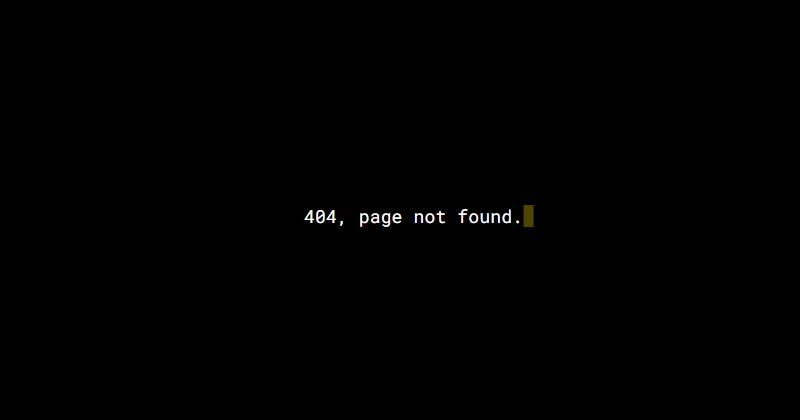
GSAP 404 typed message using SplitText, which was developed by Selcuk Cura. Moreover, you can customize it according to your wish and need.
Author: Selcuk Cura
Created on: October 22, 2017
Made with: HTML, CSS(SCSS) & JS
Tags: GSAP 404 typed message using SplitText
#9: Mars 404 Error Page

Mars 404 Error Page, which was developed by Asyraf Hussin. Moreover, you can customize it according to your wish and need.
Author: Asyraf Hussin
Created on: September 2, 2018
Made with: HTML & CSS
Tags: Mars 404 Error Page
#10: 404 Error Page Template Example

404 Error Page Design, which was developed by Ricardo Prieto. Moreover, you can customize it according to your wish and need.
Author: Ricardo Prieto
Created on: November 4, 2017
Made with: HTML & CSS
Tags: 404 Error Page Design

#11: CSS 404 page template

CSS 404 page template, which was developed by agathaco. Moreover, you can customize it according to your wish and need.
Author: agathaco
Created on: July 28, 2018
Made with: HTML(Pug) & CSS(SCSS)
Tags: CSS 404 page
#12: Error 404 Page not found
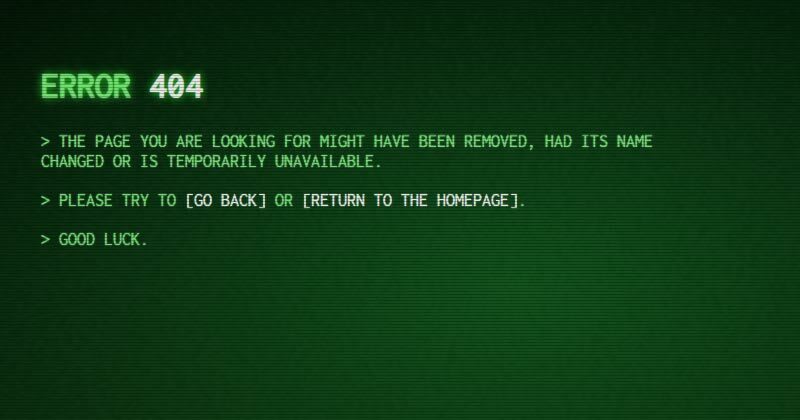
Error 404 Page not found, which was developed by Robin Selmer. Moreover, you can customize it according to your wish and need.
Author: Robin Selmer
Created on: August 22, 2017
Made with: HTML & CSS(SCSS)
Tags: Error 404 Page not found
#13: Neon – 404 html template

Neon – 404 html template, which was developed by Tibix. Moreover, you can customize it according to your wish and need.
Author: Tibix
Created on: August 27, 2019
Made with: HTML & CSS(SCSS)
Tags: Neon 404 html template
#14: Sassy page not found template

Sassy page not found template, which was developed by Justin Juno. Moreover, you can customize it according to your wish and need.
Author: Justin Juno
Created on: May 7, 2020
Made with: HTML & CSS(SCSS)
Tags: page not found template
#15: Animated 404 page design html

Animated 404 page design html, which was developed by Jaymie Rosen. Moreover, you can customize it according to your wish and need.
Author: Jaymie Rosen
Created on: October 15, 2017
Made with: HTML, CSS & JS
Tags: Animated 404 page design html
#16: Pure CSS Error Page 404 vampire
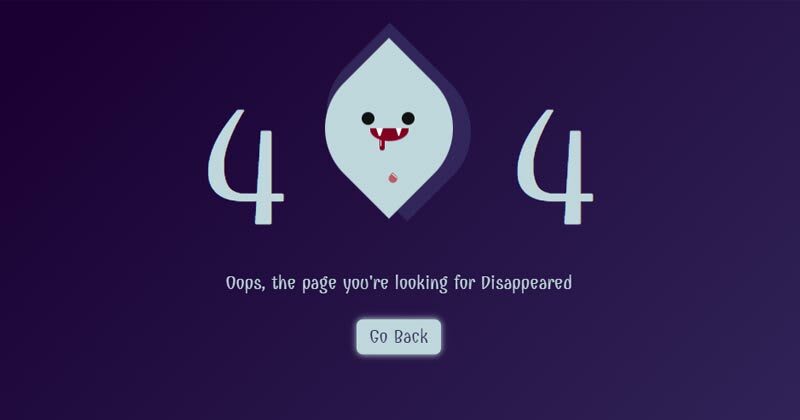
Pure CSS Error Page 404 vampire, which was developed by Omar Dsooky. Moreover, you can customize it according to your wish and need.
Author: Omar Dsooky
Created on: August 10, 2017
Made with: HTML & CSS
Tags: Pure CSS Error Page 404 vampire
#17: Simple 404 Error page

Simple 404 Error page, which was developed by vineeth.tr. Moreover, you can customize it according to your wish and need.
Author: vineeth.tr
Created on: April 12, 2016
Made with: HTML & CSS(SCSS)
Tags: Simple 404 Error page
#18: HTML CSS 404 Crying Baby Page Template

HTML CSS 404 Crying Baby Page Template, which was developed by vineeth.tr. Moreover, you can customize it according to your wish and need.
Author: vineeth.tr
Created on: October 12, 2016
Made with: HTML(Pug) & CSS(SCSS)
Tags: HTML CSS 404 Crying Baby Page Template
#19: CSS Train 404 Page

CSS Train 404 Page, which was developed by Carla. Moreover, you can customize it according to your wish and need.
Author: Carla
Created on: November 3, 2018
Made with: HTML & CSS
Tags: CSS Train 404 Page
#20: Pure CSS Animated 404 error page template

Pure CSS Animated 404 error page template, which was developed by Sergio. Moreover, you can customize it according to your wish and need.
Author: Sergio
Created on: March 27, 2018
Made with: HTML & CSS(SCSS)
Tags: Pure CSS Animated 404 error page template
#21: SVG 404 page not found template

SVG 404 page not found template, which was developed by Sylvain Lepinard. Moreover, you can customize it according to your wish and need.
Author: Sylvain Lepinard
Created on: August 9, 2019
Made with: HTML & CSS(SCSS)
Tags: SVG 404 page not found template
#22: Fully responsive 404 page

Fully responsive 404 page, which was developed by Kasper De Bruyne. Moreover, you can customize it according to your wish and need.
Author: Kasper De Bruyne
Created on: February 18, 2020
Made with: HTML, CSS(SCSS) & JS
Tags: Fully responsive 404 page
#23: Responsive custom 404 page

Responsive custom 404 page, which was developed by Ash. Moreover, you can customize it according to your wish and need.
Author: Ash
Created on: September 28, 2017
Made with: HTML & CSS
Tags: Responsive custom 404 page
#24: Wild West 404 Error page Concept
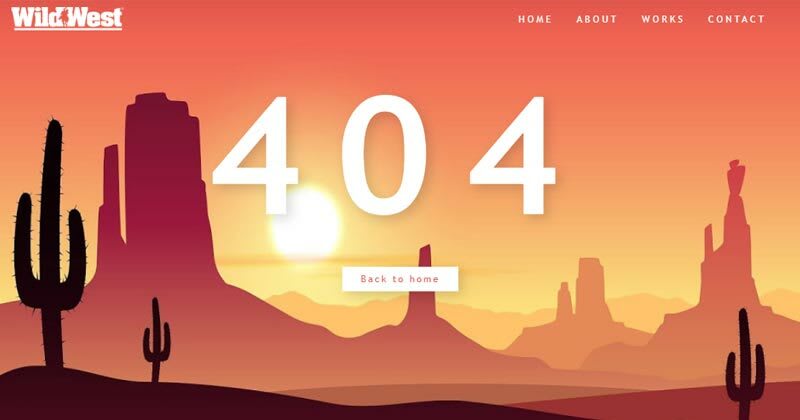
Wild West 404 Error page Concept, which was developed by Zissis Vassos. Moreover, you can customize it according to your wish and need.
Author: Zissis Vassos
Created on: August 26, 2019
Made with: HTML & CSS
Tags: Wild West 404 Error page Concept
#25: html template 404

html template 404, which was developed by Jhey. Moreover, you can customize it according to your wish and need.
Author: Jhey
Created on: March 23, 2020
Made with: HTML(Pug), CSS & JS
Tags: html template 404
#26: Windows 10 style 404 error design

Windows 10 style 404 error design, which was developed by Marco Peretto. Moreover, you can customize it according to your wish and need.
Author: Marco Peretto
Created on: February 8, 2019
Made with: HTML & CSS
Tags: 404 error design
#27: 404 Error Page: Animated SVG GSAP
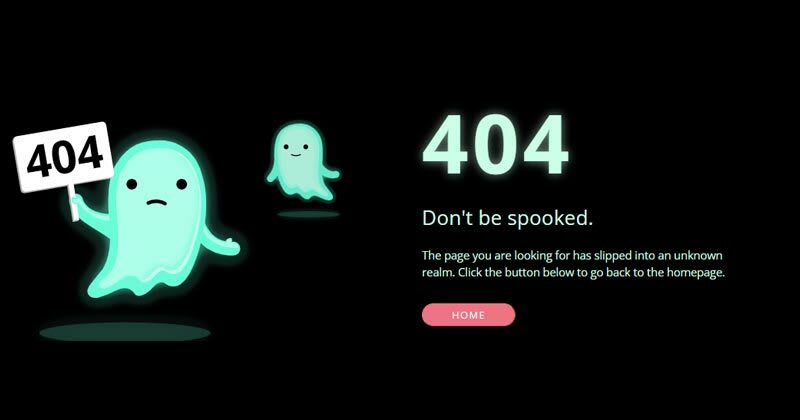
404 Error: Animated SVG GSAP, which was developed by christine i. Moreover, you can customize it according to your wish and need.
Author: christine i
Created on: February 22, 2020
Made with: HTML, CSS & js
Tags: 404 Error
#28: Custom 404 error page design

Custom 404 error page design, which was developed by Muhammad Rauf. Moreover, you can customize it according to your wish and need.
Author: Muhammad Rauf
Created on: December 3, 2021
Made with: HTML & CSS
Tags: Custom 404 error page design
#29: Oops! page not found template

Oops! page not found template, which was developed by Swarup Kumar Kuila. Moreover, you can customize it according to your wish and need.
Author: Swarup Kumar Kuila
Created on: August 14, 2020
Made with: HTML & CSS
Tags: page not found template
#30: Awesome 404 page not found

Awesome 404 page not found, which was developed by gavra. Moreover, you can customize it according to your wish and need.
Author: gavra
Created on: April 19, 2014
Made with: HTML, CSS & JS
Tags: Awesome 404 page not found
#31: Error 404: Monument Valley inspiration
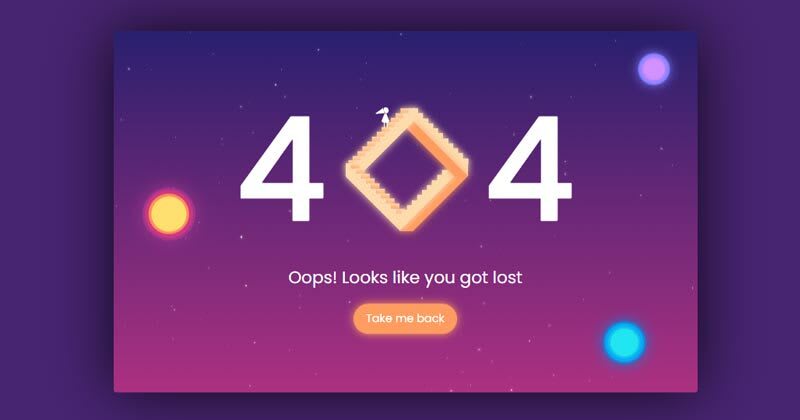
Error 404: Monument Valley inspiration, which was developed by Sussie Casasola. Moreover, you can customize it according to your wish and need.
Author: Sussie Casasola
Created on: April 29, 2018
Made with: HTML(Pug) & CSS(Sass)
Tags: Error 404
#32: 404 page

404 page, which was developed by Julia. Moreover, you can customize it according to your wish and need.
Author: Julia
Created on: September 7, 2018
Made with: HTML & CSS(Sass)
Tags: 404 page
#33: 404 SVG Error Based Page
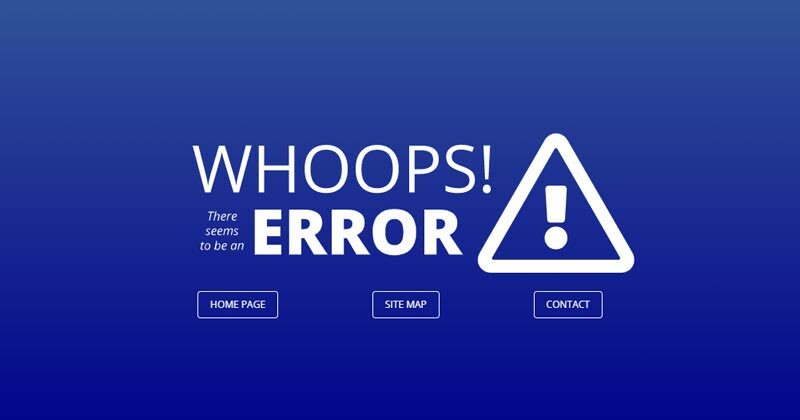
404 SVG Error Based Page, which was developed by Dave Pratt. Moreover, you can customize it according to your wish and need.
Author: Dave Pratt
Created on: September 6, 2017
Made with: HTML & CSS(SCSS)
Tags: 404 SVG Error Based Page
#34: bootstrap 404 error page template
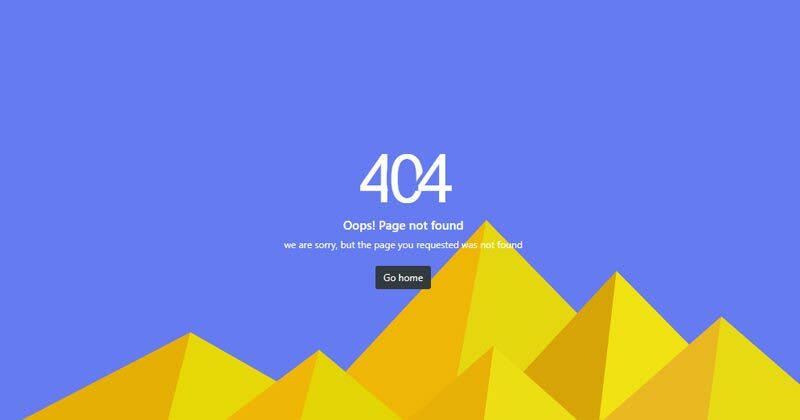
bootstrap 404 error page template, which was developed by Aji. Moreover, you can customize it according to your wish and need.
Author: Aji
Created on: June 26, 2021
Made with: HTML & CSS
Tags: bootstrap 404 error page template
#35: Cool 404 error page

Cool 404 error page, which was developed by Anton Lukin. Moreover, you can customize it according to your wish and need.
Author: Anton Lukin
Created on: November 1, 2018
Made with: HTML & CSS
Tags: Cool 404 error page
#36: 404 error template

404 error template, which was developed by Natalia. Moreover, you can customize it according to your wish and need.
Author: Natalia
Created on: January 4, 2021
Made with: HTML & CSS
Tags: 404 error template
Our Awesome Tools
#01: Lenny Face
#02: Fancy Text Generator
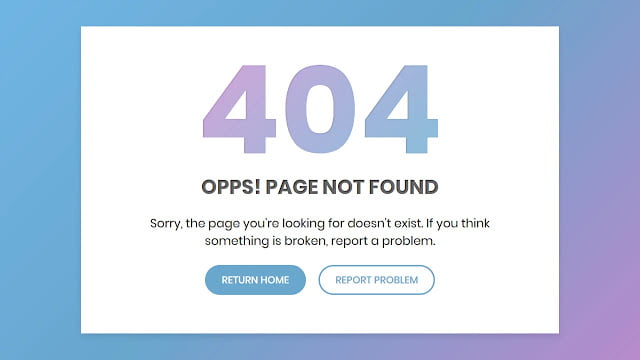
Hello readers, Today in this blog you’ll learn how to create a Custom 404 Error Page using only HTML & CSS. Earlier I have shared many blogs related to Web Design like (Responsive Footer Design, Responsive Drop-down Menu, and Responsive Sidebar Menu). But now I’m going to create a 404 Error page which is also a part or section of the Website.
The HTTP 404, 404 Not Found, or 404 Page Not Found error message is a Hypertext Transfer Protocol (HTTP) standard response code, in computer network communications, to indicate that the browser was able to interact with a given server but the server could not locate what was requested. This error displays when the user-requested page or URL doesn’t exist on a particular site.
In this program (Custom 404 Error Page Design), at first, on the webpage, there is a linear-gradient background with a white container box. Inside the box, there is title text, description, and two buttons. That 404 text has a mask animation that means there is gradient-color animation that flows top to bottom. This error page is created only for design purposes and it won’t redirect you to any other page when you click on the buttons.
If you’re feeling difficult to understand what I am saying. You can watch a full video tutorial on this program (Custom 404 Error Page Design).
Video Tutorial of Custom 404 Error Page Design
As you have seen the actual text mask moving animation in the video and I believe you understood the basic codes behind creating this error page. This is a pure CSS program so there are no vast codes used to create this program. Nowadays every website has its custom 404 error page which helps to inform the user about their requested pages are not exist on the website.
You can also create this type of error page and use it on your projects and HTML pages. If you know JavaScript then you can add advanced features to this program and take this program to the next level. If you like this program (Custom 404 Error Page Design) and want to get source codes. You can easily get the source codes of this program. To get the source codes you just need to scroll down.
You might like this:
- Awesome Pagination Design
- Responsive Footer Section Design
- Responsive Sidebar Menu Design
- Responsive Drop-down Menu Bar
Custom 404 Error Page Design [Source Codes]
To create this program (Custom 404 Error Page Design). First, you need to create two Files one HTML File and another one is CSS File. After creating these files just paste the following codes in your file.
First, create an HTML file with the name of index.html and paste the given codes in your HTML file. Remember, you’ve to create a file with .html extension.
<!DOCTYPE html>
<!-- Created By CodingNepal -->
<html lang="en" dir="ltr">
   <head>
      <meta charset="utf-8">
      <title>404 Error Page | CodingNepal</title>
      <link rel="stylesheet" href="style.css">
   </head>
   <body>
      <div id="error-page">
         <div class="content">
            <h2 class="header" data-text="404">
               404
            </h2>
            <h4 data-text="Opps! Page not found">
               Opps! Page not found
            </h4>
            <p>
               Sorry, the page you're looking for doesn't exist. If you think something is broken, report a problem.
            </p>
            <div class="btns">
               <a href="https://www.codingnepalweb.com/">return home</a>
               <a href="https://www.codingnepalweb.com/">report problem</a>
            </div>
         </div>
      </div>
   </body>
</html>
Second, create a CSS file with the name of style.css and paste the given codes in your CSS file. Remember, you’ve to create a file with .css extension.
@import url('https://fonts.googleapis.com/css?family=Poppins:400,500,600,700&display=swap');
*{
  margin: 0;
  padding: 0;
  outline: none;
  box-sizing: border-box;
  font-family: 'Poppins', sans-serif;
}
body{
  height: 100vh;
  background: -webkit-repeating-linear-gradient(-45deg, #71b7e6, #69a6ce, #b98acc, #ee8176, #b98acc, #69a6ce, #9b59b6);
  background-size: 400%;
}
#error-page{
  position: absolute;
  top: 10%;
  left: 15%;
  right: 15%;
  bottom: 10%;
  display: flex;
  align-items: center;
  justify-content: center;
  background: #fff;
  box-shadow: 0px 5px 10px rgba(0,0,0,0.1);
}
#error-page .content{
  max-width: 600px;
  text-align: center;
}
.content h2.header{
  font-size: 18vw;
  line-height: 1em;
  position: relative;
}
.content h2.header:after{
  position: absolute;
  content: attr(data-text);
  top: 0;
  left: 0;
  right: 0;
  background: -webkit-repeating-linear-gradient(-45deg, #71b7e6, #69a6ce, #b98acc, #ee8176, #b98acc, #69a6ce, #9b59b6);
  background-size: 400%;
  -webkit-background-clip: text;
  -webkit-text-fill-color: transparent;
  text-shadow: 1px 1px 2px rgba(255,255,255,0.25);
  animation: animate 10s ease-in-out infinite;
}
@keyframes animate {
  0%{
    background-position: 0 0;
  }
  25%{
    background-position: 100% 0;
  }
  50%{
    background-position: 100% 100%;
  }
  75%{
    background-position: 0% 100%;
  }
  100%{
    background-position: 0% 0%;
  }
}
.content h4{
  font-size: 1.5em;
  margin-bottom: 20px;
  text-transform: uppercase;
  color: #000;
  font-size: 2em;
  max-width: 600px;
  position: relative;
}
.content h4:after{
  position: absolute;
  content: attr(data-text);
  top: 0;
  left: 0;
  right: 0;
  text-shadow: 1px 1px 2px rgba(255,255,255,0.4);
  -webkit-background-clip: text;
  -webkit-text-fill-color: transparent;
}
.content p{
  font-size: 1.2em;
  color: #0d0d0d;
}
.content .btns{
  margin: 25px 0;
  display: inline-flex;
}
.content .btns a{
  display: inline-block;
  margin: 0 10px;
  text-decoration: none;
  border: 2px solid #69a6ce;
  color: #69a6ce;
  font-weight: 500;
  padding: 10px 25px;
  border-radius: 25px;
  text-transform: uppercase;
  transition: all 0.3s ease;
}
.content .btns a:hover{
  background: #69a6ce;
  color: #fff;
}
That’s all, now you’ve successfully created a Custom 404 Error Page Design using HTML & CSS. If your code doesn’t work or you’ve faced any error/problem then please comment down or contact us from the contact page.
There can be many reasons a user cannot gain access to a website. One of these is known as a 404! error. Quite simply an HTML 404! error message is a Hypertext Transfer Protocol (HTTP) status code indicating the server could not find the requested website. In other words, your web browser can connect with the server, but the specific page you are trying to access cannot be reached. In this tutorial, we will build an HTML 404 error web page to customize what the visitor sees when they land there. We will use some CSS as well to further enhance the page.
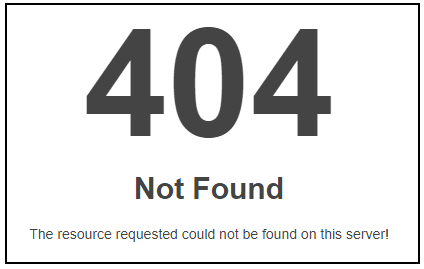
Why the 404! HTML Error Appears
When an HTTP 404 appears on your screen, it means that although the server is reachable, the specific page you are looking for is not. The web page is either broken, or it no longer exists. The 404 error code can appear in any browser, regardless of the type of browser you are using.
There are several reasons why you might be getting an HTTP 404 code:
- One typical trigger for an error 404 message is when the page has been deleted from the website.
- The page was moved to another URL and the redirection was done incorrectly.
- You entered an incorrect URL address.
- Although it happens very rarely, sometimes the server malfunctions.
- The entered domain name does not exist anymore.
Unfortunately, broken links are often left for long periods of time after the page has been deleted or moved. Even when web owners maintain their web sites, sometimes the owner may delete the site, or change the name of the site. This means that when someone clicks on an “old” link, they will no longer be able to find that site. Unfortunately, due to many people putting up URLS to web sites all over the place, there will ultimately be links that actually link to nowhere.
It is common for owners of websites to not check their external links regularly which leads to users trying to access a dead link. Web maintenance is essential for this reason.
Create a “Page Not Found” HTML Web Page
If a visitor to your website reaches an old and non-existent web page, the server that hosts that website will show a “404” error that basically says the page can not be found. Instead of allowing the server to show a bland, default error page, you can create one of your own and get as creative as you want with it.
Let us jump into step one of our tutorial.
Step 1: Create an HTML Landing Web Page
Let us start by simply creating a basic HTML page. This will be the foundation for creating a more exciting and informative 404! Error web page for visitors to land on.
Open a text editor, save the file as “shorelinesurfteam.html” and put in the following HTML code. Save your file again when done.
<html><head>
<style type=text/css>
</style></head>
<body>
</body></html>
To assist those who have landed on this “non-existent” page, you can add some helpful information to guide them on the right path. Perhaps add some information as to why the page does not exist anymore. Add something like this into the HTML. Feel free to copy the following code and resave your html file.
<html>
<head>
<style type=text/css>
</style>
</head>
<body><p>This was a web page for an organization that used to exist. This organization no longer exists as it has been replaced with a new organization to teach surf kids the values and love of the ocean. The new site is: https://www.pleasurepointsurfclub.com/
<br><br>
If you came upon this page by mistake, try checking the URL in your web browser.</p>
</body>
</html>
The following illustration identifies the text we added to make the page more informative.

To punch up the text font, let us add a style. Copy the following code and resave your HTML file.
!DOCTYPE html><html><head>
<style type=text/css>
p { color: blue; font-weight: 900; font-size: 20px; font-family: Helvetica, Arial, sans-serif; }
</style></head>
<body><p>This was a web page for an organization that used to exist. This organization no longer exists as it has been replaced with a new organization to teach surf kids the values and love of the ocean. The new site is: https://www.pleasurepointsurfclub.com/
<br><br>
If you came upon this page by mistake, try checking the URL in your web browser.</p>
</body></html>
Add an image and change your text color to a custom hex color if you want as well by adding the HTML to reference the image. The image can go in your root directory as well.
!DOCTYPE html><html><head>
<style type=text/css>
p { color: #0ecc8a; font-weight: 900; font-size: 20px; font-family: Helvetica, Arial, sans-serif; }
</style></head>
<body>
<a href="#"><img src="site.jpg"></a>
<p>This was a web page for an organization that used to exist. This organization no longer exists as it has been replaced with a new organization to teach surf kids the values and love of the ocean. The new site is: https://www.pleasurepointsurfclub.com/
<br><br>
If you came upon this page by mistake, try checking the URL in your web browser.</p>
</body></html>
Step 2: Tell the Server to Use Your HTML 404! Error Page
Create a “.htaccess” file. This text file serves the purpose of passing on instructions to the server.
There might already be a .htaccess file in the root folder of your web hosting space. If there is, download it and amend that. It may be a hidden file. If so, you may need to adjust your server settings so that you can view this file.
In this “.htaccess” file you will need to add this line:
ErrorDocument 404 /shorelinesurfteam.html
This is all you need to add. You do not need to add any HTML code.
What this does is tell the server that when it encounters a 404 error, it should load the shorelinesurfteam.html file in the root folder.
Step 3: Save .htaccess File to the Root Directory
Save your “.htaccess” file and upload it to the root folder of your web site. When the server encounters a not-found error, your error page will be shown.
Now when a visitor finds the web page (per our code above)
Instead of seeing this:

They will see the following more informative and friendly error page that you have created.
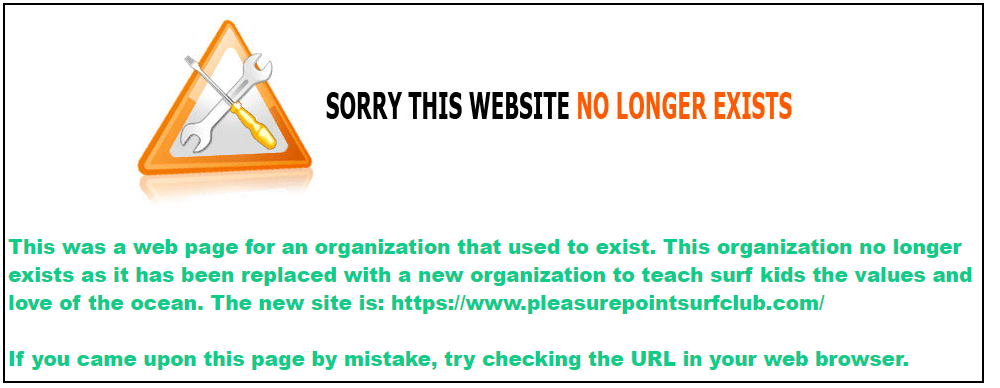
To make the green text stand out more, you can add a div element with a color background as such:
<head>
<style type=text/css>
p {
color: #0ecc8a;
font-weight: 900;
font-size: 20px;
font-family: Helvetica, Arial, sans-serif;
}
div {
background-color: gray;
}
</style>
</head>
<body>
<a href=”#”><img src=”site.jpg”></a>
<div>
<p>This was a web page for an organization that used to exist. This organization no longer exists as it has been replaced with a new organization to teach surf kids the values and love of the ocean. The new site is: https://www.pleasurepointsurfclub.com/
<br><br>
If you came upon this page by mistake, try checking the URL in your web browser.</p>
</div>
</body>
</html>
This will yield the following:
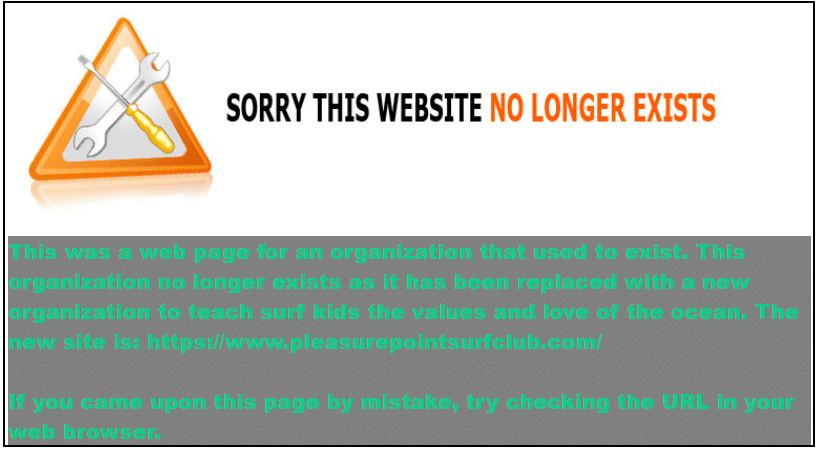
Now, you can be as artistic as you like to create your fancy, informative 404.html page. Always keep the visitor to the page in mind to enhance their experience.
See the HTML Font Families to learn how to enhance your text, and also check out the CSS Background Tutorial to learn how to enhance the background of your web page.
Where to Next?
This introduction to the 404 page error should provide a starting point for further inquiry into web page management and the unlimited creative aspects that HTML offers. In the next blogs, you will be able to explore other areas of HTML design. Continue to be inspired, explore further and dive deeper into the world of web design.
Enroll in our Intro to Programming Nanodegree program today!
Start Learning
Check Out Best 404 Page Templates From CodePen
See the Pen
404 error page by Swarup Kumar Kuila (@uiswarup)
on CodePen.
Title:- 404 error page
Author:- Swarup Kumar Kuila
Made With:- HTML CSS JAVASCRIPT
See the Pen
404 Error Example #2 by Ricardo Prieto (@ricardpriet)
on CodePen.
Title:- 404 Error Example #2
Author:- Ricardo Prieto
Made With:- HTML CSS JAVASCRIPT
See the Pen
Simple Pure CSS3 404 Error Page by Enrico Chiaromonte (@chiaren)
on CodePen.
Title:- Simple Pure CSS3 404 Error Page
Author:- Enrico Chiaromonte
Made With:- HTML CSS JAVASCRIPT
See the Pen
404 Error Example #3 by Ricardo Prieto (@ricardpriet)
on CodePen.
Title:- 404 Error Example #3
Author:- Ricardo Prieto
Made With:- HTML CSS JAVASCRIPT
See the Pen
#dailyui 008: 404 Page by Gabrielle Wee 🧧 (@gabriellewee)
on CodePen.
Title:- #dailyui 008: 404 Page
Author:- Gabrielle Wee ??
Made With:- HTML CSS JAVASCRIPT
See the Pen
404 Error page by Vineeth.TR (@vineethtrv)
on CodePen.
Title:- 404 Error page
Author:- Vineeth.TR
Made With:- HTML CSS JAVASCRIPT
See the Pen
Page Not Found by massimo (@_massimo)
on CodePen.
Title:- Page Not Found
Author:- massimo
Made With:- HTML CSS JAVASCRIPT
See the Pen
404 Crying Baby by Vineeth.TR (@vineethtrv)
on CodePen.
Title:- 404 Crying Baby
Author:- Vineeth.TR
Made With:- HTML CSS
404 error page in pure css3. character inspired from Arturo MB’s Cry Baby ( dribbble )
See the Pen
404 error by Hailjake (@hailjake)
on CodePen.
Title:- 404 error
Author:- Hailjake
Made With:- HTML CSS
See the Pen
code for fun (day02): 404 error page, Caveman mode – pure CSS by Sergio (@SofiaSergio)
on CodePen.
Title:- code for fun (day02): 404 error page, Caveman mode – pure CSS
Author:- Sergio
Made With:- HTML CSS JAVASCRIPT
See the Pen
404 Error Example #1 by Ricardo Prieto (@ricardpriet)
on CodePen.
Title:- 404 Error Example #1
Author:- Ricardo Prieto
Made With:- HTML CSS JAVASCRIPT
See the Pen
Code-Theme 404 Page by Leena Lavanya (@leenalavanya)
on CodePen.
Title:- Code-Theme 404 Page
Author:- Leena Lavanya
Made With:- HTML CSS JAVASCRIPT
See the Pen
404 Error Page with Tumbleweed Game by Jon Kantner (@jkantner)
on CodePen.
Title:- 404 Error Page with Tumbleweed Game
Author:- Jon Kantner
Made With:- HTML CSS JAVASCRIPT
See the Pen
Daily UI #008 | 404 Page by Julie Park (@juliepark)
on CodePen.
Title:- Daily UI #008 | 404 Page
Author:- Julie Park
Made With:- HTML CSS JAVASCRIPT
See the Pen
404 ERROR Template by Anton (@Pogodaanton)
on CodePen.
Title:- 404 ERROR Template
Author:- Anton
Made With:- HTML CSS JAVASCRIPT
See the Pen
CSS3 Custom 404 by redfrost (@redfrost)
on CodePen.
Title:- CSS3 Custom 404
Author:- redfrost
Made With:- HTML CSS JAVASCRIPT
See the Pen
Responsive Video Header with Gradient by Jacob Davidson (@Reklino)
on CodePen.
Title:- Responsive Video Header with Gradient
Author:- Jacob Davidson
Made With:- HTML CSS JAVASCRIPT
See the Pen
404 Page by Kevin (@kborling)
on CodePen.
Title:- 404 Page
Author:- Kevin
Made With:- HTML CSS JAVASCRIPT
See the Pen
Beer 404 by Chelsea Adams (@chadamski)
on CodePen.
Title:- Beer 404
Author:- Chelsea Adams
Made With:- HTML CSS JAVASCRIPT
See the Pen
Lost in Space 404 Error Page with SVG & CSS Animation by Chad (@hellochad)
on CodePen.
Title:- Lost in Space 404 Error Page with SVG & CSS Animation
Author:- Chad
Made With:- HTML CSS JAVASCRIPT
See the Pen
404 Error page – Animated SVG by Henry W (@henrywr)
on CodePen.
Title:- 404 Error page – Animated SVG
Author:- Henry W
Made With:- HTML CSS JAVASCRIPT
See the Pen
E-Commerce Store is closed sign (Responsive) by Takane Ichinose (@takaneichinose)
on CodePen.
Title:- E-Commerce Store is closed sign (Responsive)
Author:- Takane Ichinose
Made With:- HTML CSS JAVASCRIPT
See the Pen
404 Error Page for Questex by Lia Shaked (@liashaked)
on CodePen.
Title:- 404 Error Page for Questex
Author:- Lia Shaked
Made With:- HTML CSS JAVASCRIPT
See the Pen
404 Error Cogwheels(GSAP) by Manaswini (@1832Manaswini)
on CodePen.
Title:- 404 Error Cogwheels(GSAP)
Author:- Manaswini
Made With:- HTML CSS JAVASCRIPT
See the Pen
404 Error: You are lost… by Brett Thurston (@ohBretterson)
on CodePen.
Title:- 404 Error: You are lost…
Author:- Brett Thurston
Made With:- HTML CSS JAVASCRIPT
See the Pen
404 by Tim Pietrusky (@TimPietrusky)
on CodePen.
Title:- 404
Author:- Tim Pietrusky
Made With:- HTML CSS JAVASCRIPT
See the Pen
GSAP: SVG Animation 404 Error Milk Carton by christine i (@christinei)
on CodePen.
Title:- GSAP: SVG Animation 404 Error Milk Carton
Author:- christine i
Made With:- HTML CSS JAVASCRIPT
See the Pen
entershow 404 error by Fullzero (@Fullzero)
on CodePen.
Title:- entershow 404 error
Author:- Fullzero
Made With:- HTML CSS JAVASCRIPT
See the Pen
404 – Glitched out by ZonFire99 (@ZonFire99)
on CodePen.
Title:- 404 – Glitched out
Author:- ZonFire99
Made With:- HTML CSS JAVASCRIPT
See the Pen
Fargo 404 by Nate Watson (@nw)
on CodePen.
Title:- Fargo 404
Author:- Nate Watson
Made With:- HTML CSS JAVASCRIPT
See the Pen
No Vacancy 404 by Riley Shaw (@rileyjshaw)
on CodePen.
Title:- No Vacancy 404
Author:- Riley Shaw
Made With:- HTML CSS JAVASCRIPT
See the Pen
404 No signal by Adem ilter (@ademilter)
on CodePen.
Title:- 404 No signal
Author:- Adem ilter
Made With:- HTML CSS JAVASCRIPT
See the Pen
Error 404 Page design BOOTSTRAP by Ahmed (@Ahmed_B_Hameed)
on CodePen.
Title:- Error 404 Page design BOOTSTRAP
Author:- Ahmed
Made With:- HTML CSS JAVASCRIPT
See the Pen
404 Animated Character by Mark Thomes (@WithAnEs)
on CodePen.
Created for the 404 section for my portfolio site. Wanted something a pretty animated to add interest to this often forgottent page.
Title:- 404 Animated Character
Author:- Mark Thomes
Made With:- HTML CSS JAVASCRIPT
See the Pen
Glitch CSS by Iliuta Stoica (@iliutastoica)
on CodePen.
Title:- Glitch CSS
Author:- Iliuta Stoica
Made With:- HTML CSS JAVASCRIPT
See the Pen
Glitchy 404 Page by Kay Pooma (@kaypooma)
on CodePen.
Title:- Glitchy 404 Page
Author:- Kay Pooma
Made With:- HTML CSS JAVASCRIPT
See the Pen
404 Page by Kasper De Bruyne (@kdbkapsere)
on CodePen.
Title:- 404 Page
Author:- Kasper De Bruyne
Made With:- HTML CSS JAVASCRIPT
See the Pen
Error 404: Page not found – 80s hacker theme by Robin Selmer (@robinselmer)
on CodePen.
Title:- Error 404: Page not found – 80s hacker theme
Author:- Robin Selmer
Made With:- HTML CSS JAVASCRIPT
See the Pen
Yeti 404 Page by Darin (@dsenneff)
on CodePen.
Title:- Yeti 404 Page
Author:- Darin
Made With:- HTML CSS JAVASCRIPT
See the Pen
Daily UI #008 – 404 Page by Rafaela Lucas (@rafaelavlucas)
on CodePen.
Title:- Daily UI #008 – 404 Page
Author:- Rafaela Lucas
Made With:- HTML CSS JAVASCRIPT
See the Pen
404 by Hakim El Hattab (@hakimel)
on CodePen.
Title:- 404
Author:- Hakim El Hattab
Made With:- HTML CSS JAVASCRIPT
See the Pen
Only CSS: 404 Rolling Box by Yusuke Nakaya (@YusukeNakaya)
on CodePen.
Title:- Only CSS: 404 Rolling Box
Author:- Yusuke Nakaya
Made With:- HTML CSS JAVASCRIPT
See the Pen
404 page by Naved khan (@Navedkhan012)
on CodePen.
Title:- 404 page
Author:- Naved khan
Made With:- HTML CSS JAVASCRIPT
See the Pen
Ghost Page | 404 by Diogo Gomes (@diogo_ml_gomes)
on CodePen.
Title:- Ghost Page | 404
Author:- Diogo Gomes
Made With:- HTML CSS JAVASCRIPT
See the Pen
404 page by Chris Samuels (@anycircle)
on CodePen.
Title:- 404 page
Author:- Chris Samuels
Made With:- HTML CSS JAVASCRIPT
See the Pen
404 SVG by John Yagiz (@UnfocusedDrive)
on CodePen.
Title:- 404 SVG
Author:- John Yagiz
Made With:- HTML CSS JAVASCRIPT
See the Pen
404 page by Alberto Jerez (@ajerez)
on CodePen.
Title:- 404 page
Author:- Alberto Jerez
Made With:- HTML CSS JAVASCRIPT
See the Pen
Cyberpunk Error page by ltrademark (@ltrademark)
on CodePen.
Title:- Cyberpunk Error page
Author:- ltrademark
Made With:- HTML CSS JAVASCRIPT
See the Pen
404 Page by Andrew Lawendy (@andrew-lawendy)
on CodePen.
Title:- 404 Page
Author:- Andrew Lawendy
Made With:- HTML CSS JAVASCRIPT
See the Pen
404 page animation – missing book by Valeriia (@wwwebneko)
on CodePen.
Title:- 404 page animation – missing book
Author:- Valeriia
Made With:- HTML CSS JAVASCRIPT
See the Pen
404 Error page by Vineeth.TR (@vineethtrv)
on CodePen.
Title:- 404 Error page
Author:- Vineeth.TR
Made With:- HTML CSS JAVASCRIPT
See the Pen
My Error 404 Page by Taufik Nurrohman (@tovic)
on CodePen.
Title:- My Error 404 Page
Author:- Taufik Nurrohman
Made With:- HTML CSS JAVASCRIPT

1. No Vacancy 404
Автор: Riley Shaw
2. Fargo 404
Автор: Nate Watson
Сделано с помощью: HTML CSS
3. 404 No signal
Автор: Adem ilter
4. 404 Page
Автор: Kasper De Bruyne
5. Yeti 404 Page
Автор: Darin
6. Error 404
Автор: Swarup Kumar Kuila
7. Only CSS: 404 Rolling Box
Автор: Yusuke Nakaya
8. 404 page
Автор: Naved khan
9. Ghost Page | 404
Автор: Diogo Gomes
10. Space 404
Автор: Jared Rowe
Анимированный SVG для страницы 404 на Vecteezy.com
11. 404 Error page
Автор: Vineeth.TR
Страница ошибки в Pure css :), вдохновленная Bons 404
12. My Error 404 Page
Автор: Taufik Nurrohman
13. code for fun (day02): страница с ошибкой 404, режим пещерного человека — чистый CSS
Автор: Sergio
Еще больше подобных шаблонов можно найти по тут
Whether you need inspiration or want to save time, these best free error page templates will do you well. All are easy to use, ensuring you get the most out of them quickly and comfortably.
The five most common website errors you get are 400 for bad request, 401 for unauthorized, 403 for forbidden error, the most common 404 for page not found, and 500 for internal server error. Among all these error pages, the most frequent error page template you get pre-bundled with your website template is 404.
We have also made a separate collection of the best free error page templates, of which many are hand-crafted by the Colorlib team. In addition to that, you also get very many other alternatives, making sure this collection has something for everyone.
Since free error page templates are easy to customize, use these as a base to create your custom error page. Before getting into the list, all the free templates mentioned here are raw. Use them for inspiration or style them further, the options are very many.
Colorlib 404 Customizer (WordPress plugin)
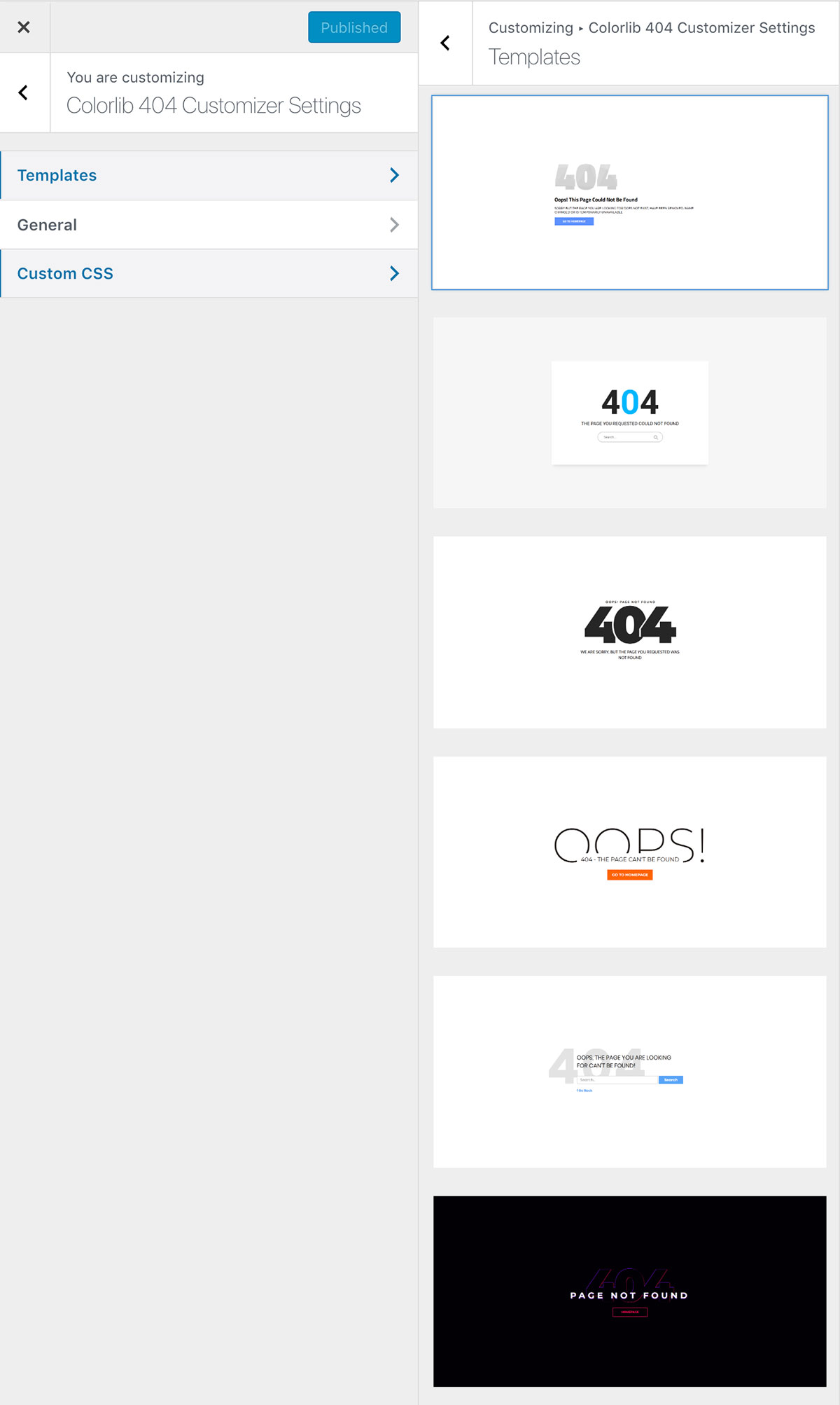
This is the only WordPress plugin that made a list. It is effortless to use, and has a great design, templates, and customization options.
More info / Download
Colorlib 404 v1
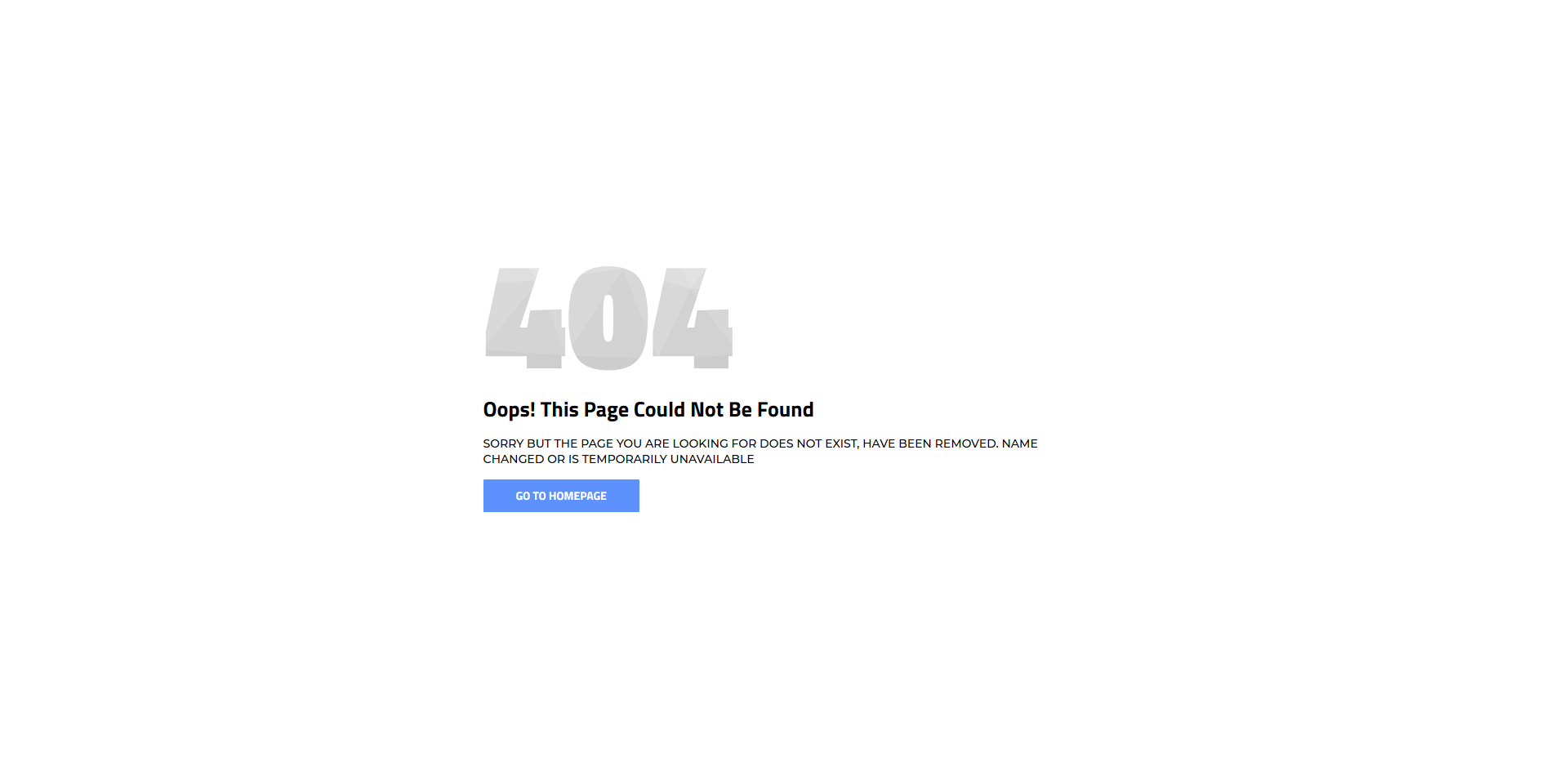
If you are running your own online business, your website needs to have a 404 page. Not just any type, make it unique and original, just like your main website is. Instead of using a default one, enhance things with any free error page templates that you can utilize right off the bat. They are simple to employ, modern, mobile-ready, and appealing to the eye. You can also fine-tune them and lightly customize the web design to get it to match your branding. It does not always have to be complicated adding new layouts to your existing or soon-to-be-ready-for-launch website.
More info / Download Demo
Colorlib 404 v2
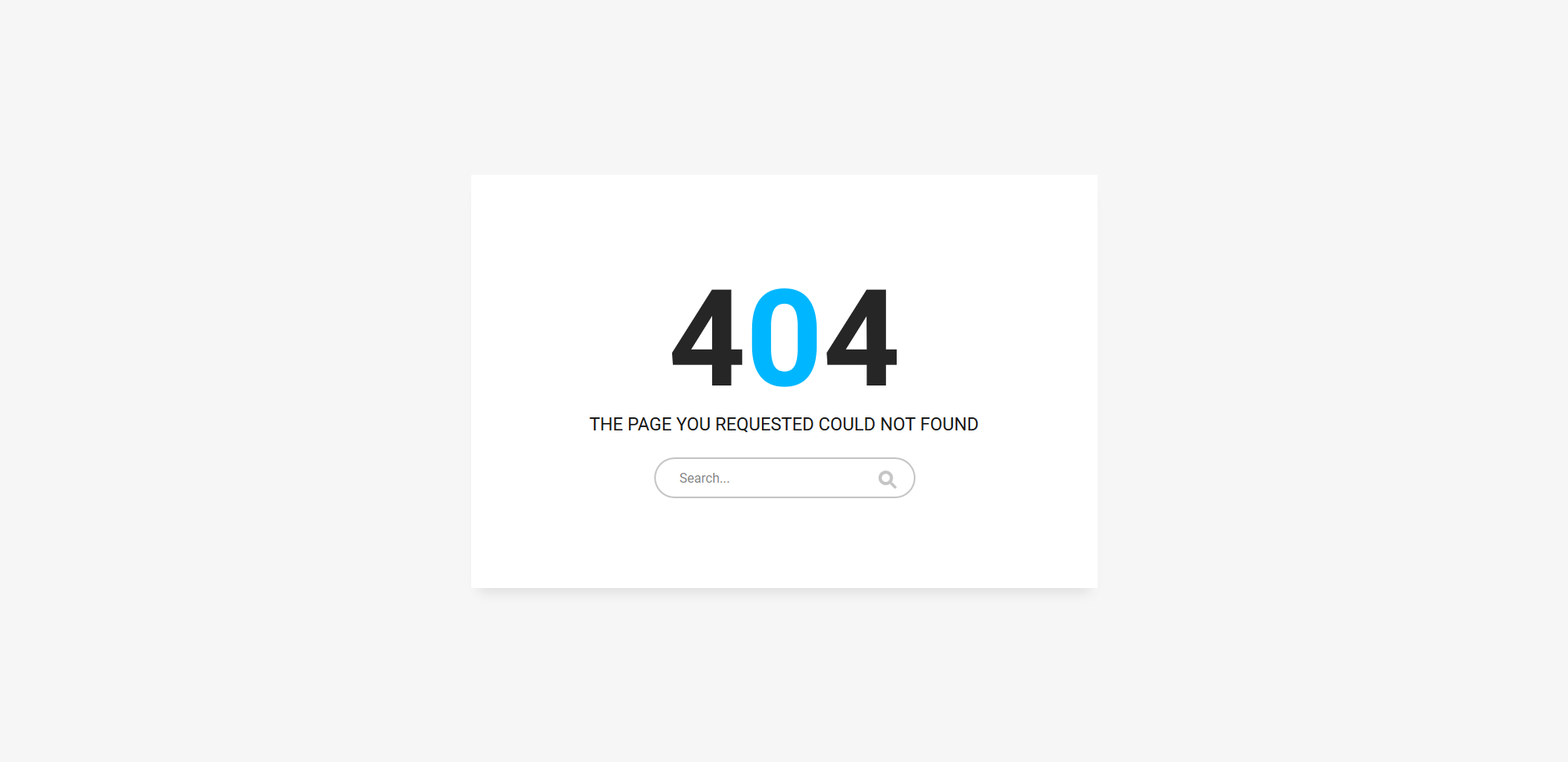
You can keep the basic look and still get things going strong online with your error page. No need to overcomplicate, simplicity is always the winning approach if you do not know yet what would fit your project best. And to attain fantastic results, this cracking-free error page template is more than ideal. What’s cool about this layout is that instead of just featuring the 404 sign, it also has a search bar. This way, you can give your user another chance to find what they are looking for before leaving your page. Have no call-to-action button, and there is a good chance they will simply close the page and search elsewhere.
More info / Download Demo
Colorlib 404 v3
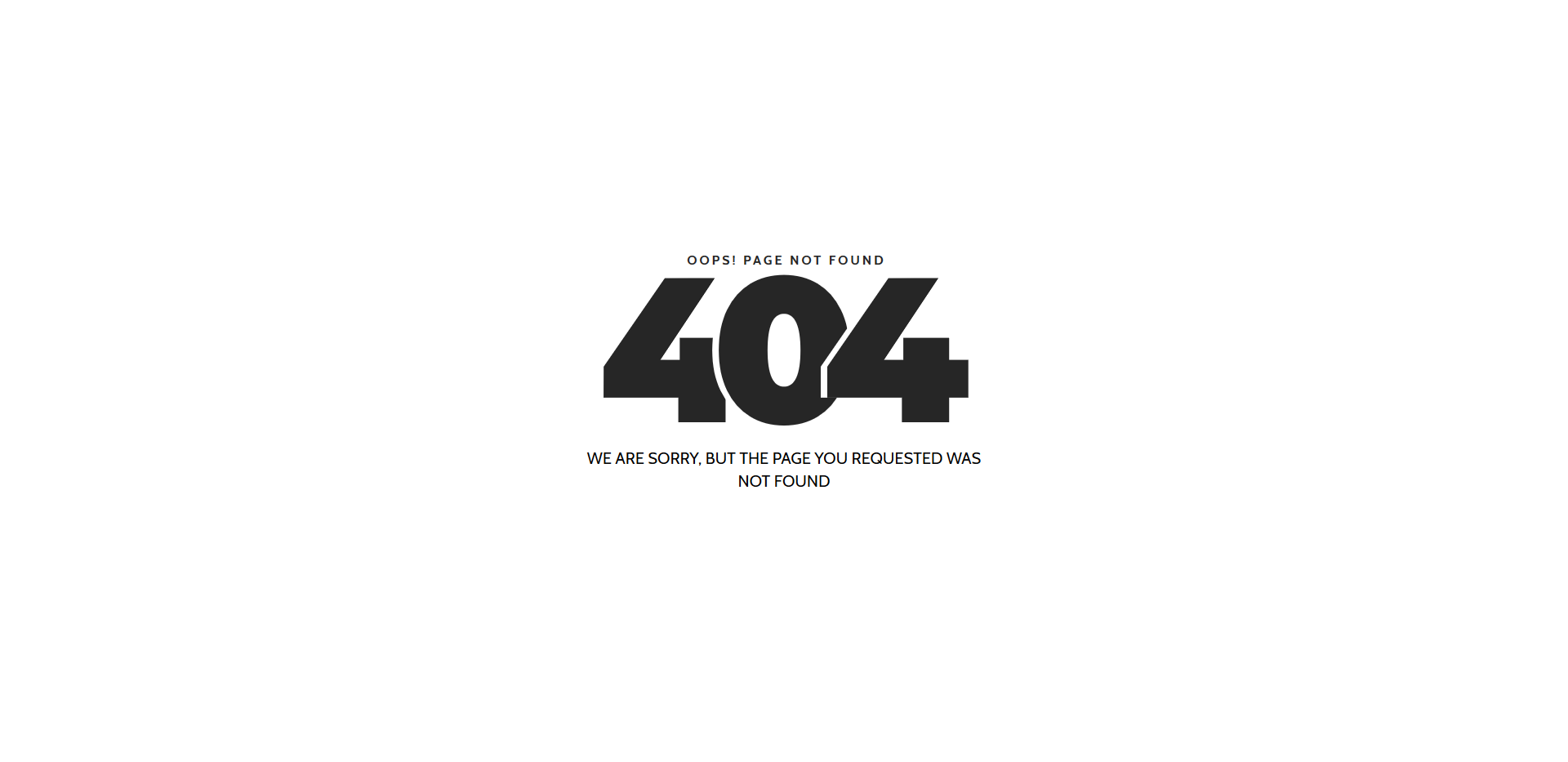
If the purest simplicity with a touch of creativity is what you strive for, we have a neat little treat for you. A stunning, catchy, responsive, and flexible black and white free error page template will do the trick. If you are already rocking a minimal look with your website, keep it intact even when it comes to a 404 page. You can do that easily right now by downloading the template and putting it to use straight away. With this cracking look, you probably won’t even want to change anything just use it exactly as is.
More info / Download Demo
Colorlib 404 v4
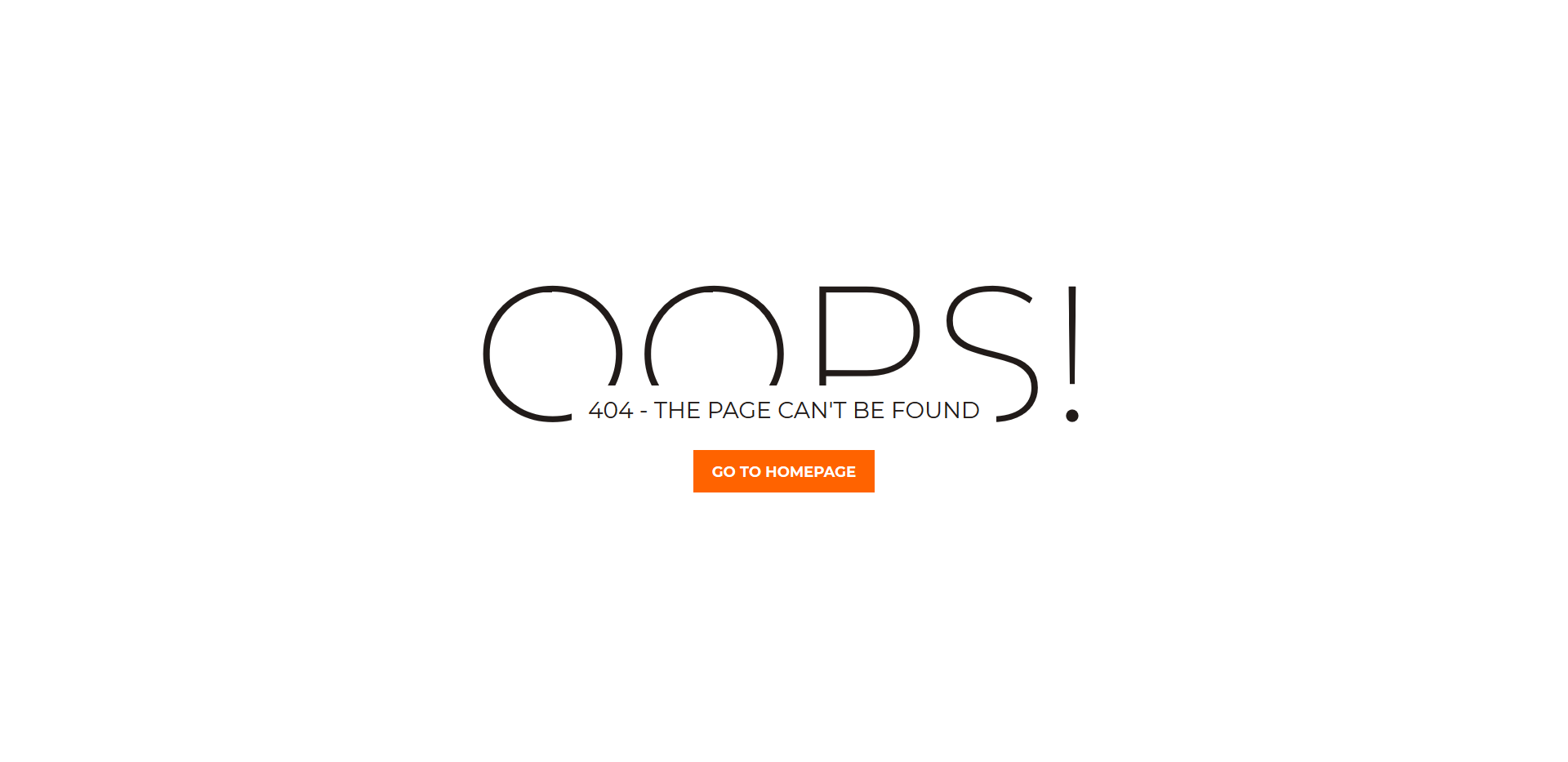
Another simple free error page template with just the right action will keep your users engaged. And, instead of leaning toward leaving your page, they can simply hit the Go To Homepage button and continue enjoying your content. Indeed, that is exactly what you want them to do. With a vibrant and inviting call-to-action button, you can increase your potential and prevent the likelihood of them bouncing off. You can also play around with trying out different tweaks and creating a brandable error page. Use your creativity and enrich it with your signature touch if even necessary.
More info / Download Demo
Colorlib 404 v5
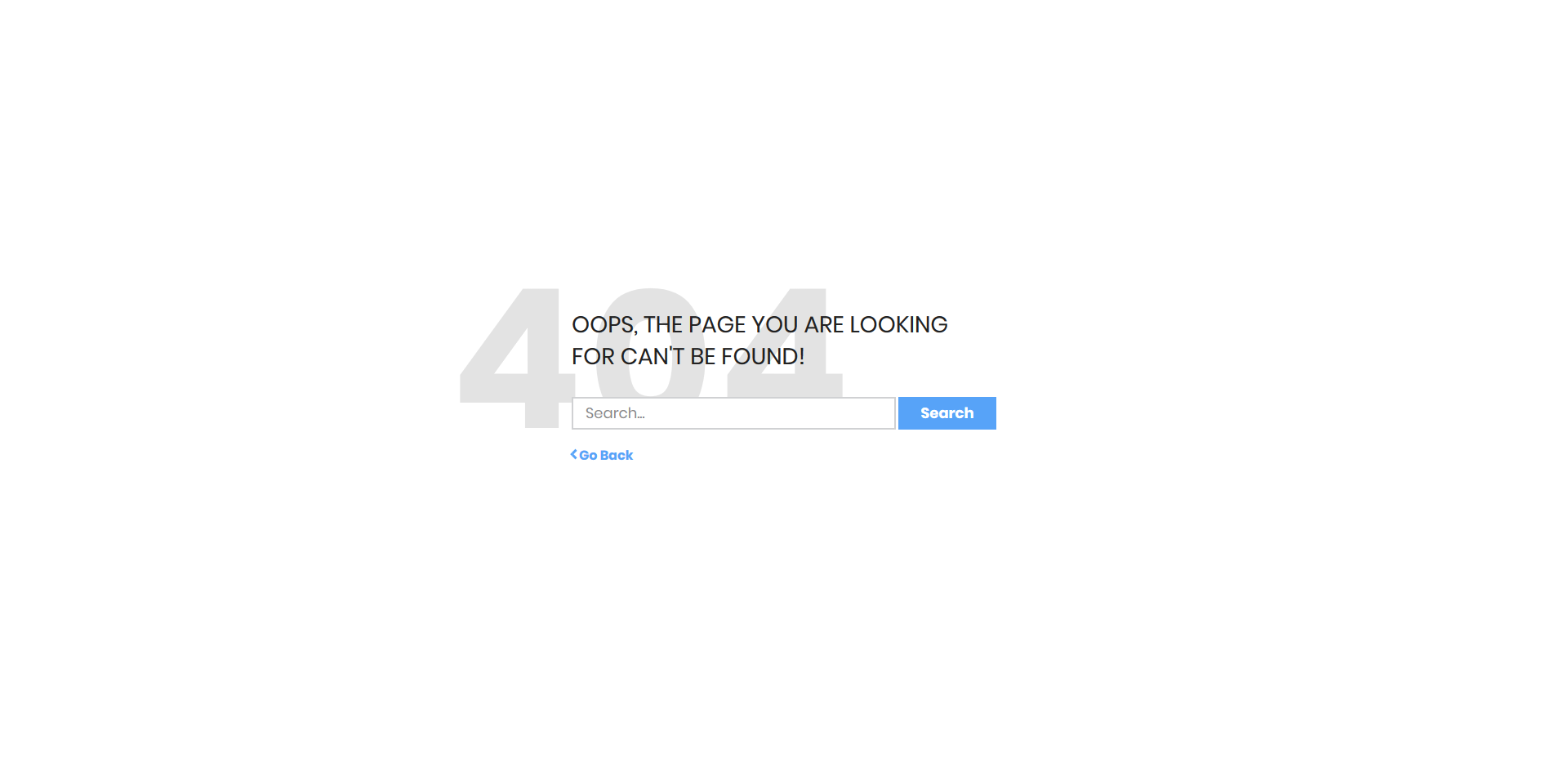
If the page they are looking for no longer exists, you can redirect the URL or simply use an error page. There is a good chance they also end up typing a wrong search query that will lead them to a 404 error page. Whatever the case, you can keep their engagement at the highest degree even if they land on a page without any result. You can offer them to go back or let them search again with the search function. Yes, you can have it all featured on a 404 page, and this free page template has it already predesigned for you.
More info / Download Demo
Colorlib 404 v6
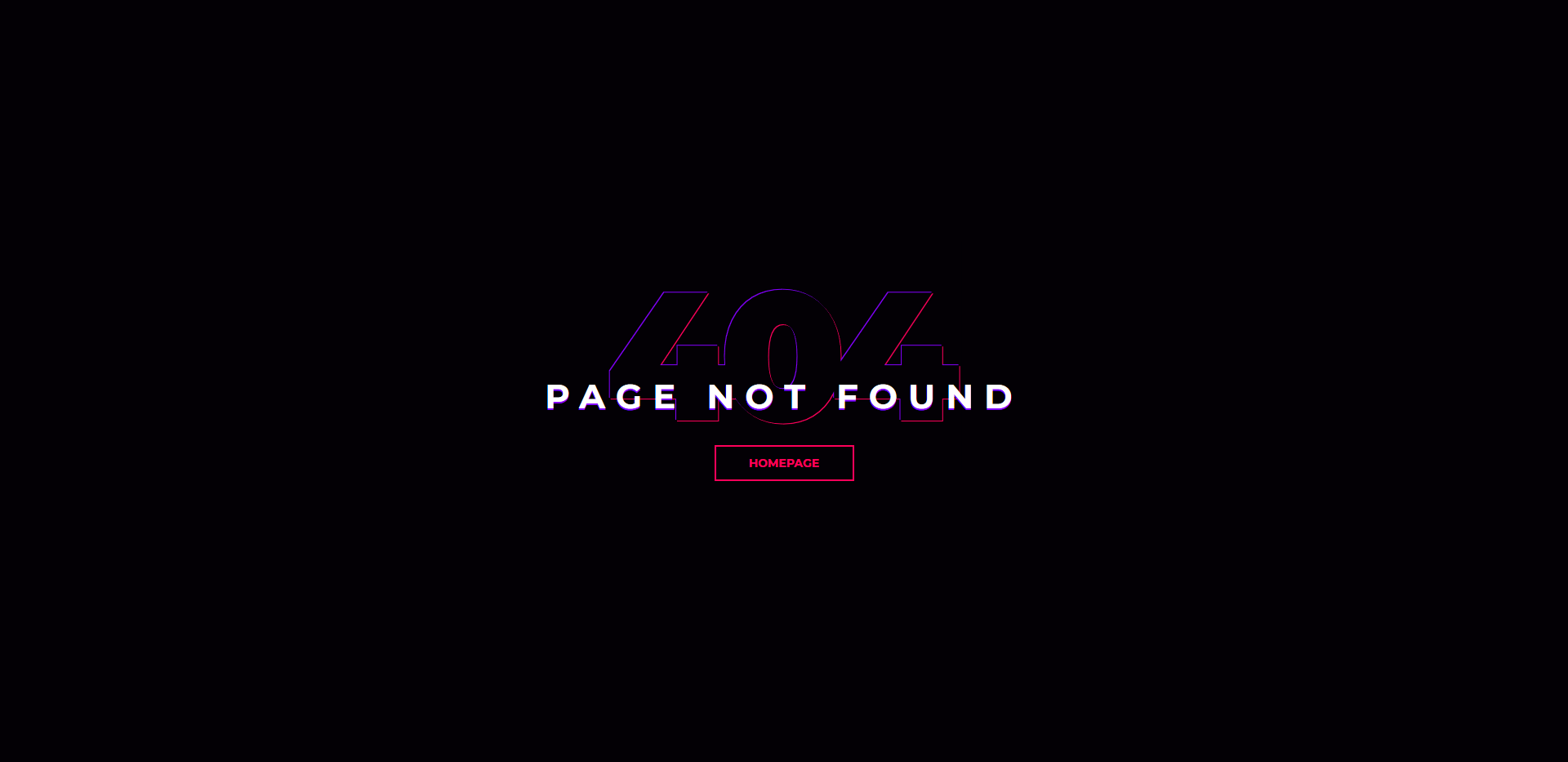
If your website follows a dark layout, it is obvious that you would want your error page to be of the same style. Build it yourself, however, what would be even better is to download this design simple and you are ready to rock. A stunning, elegant, and sophisticated free error page template with nice attention to detail. On top of that, it also sports a homepage call-to-action button to redirect all your visitors back to your index page in just a click. You can now keep your website’s theme intact and of the highest degree, even when it comes to a 404 page.
More info / Download Demo
Colorlib 404 v7
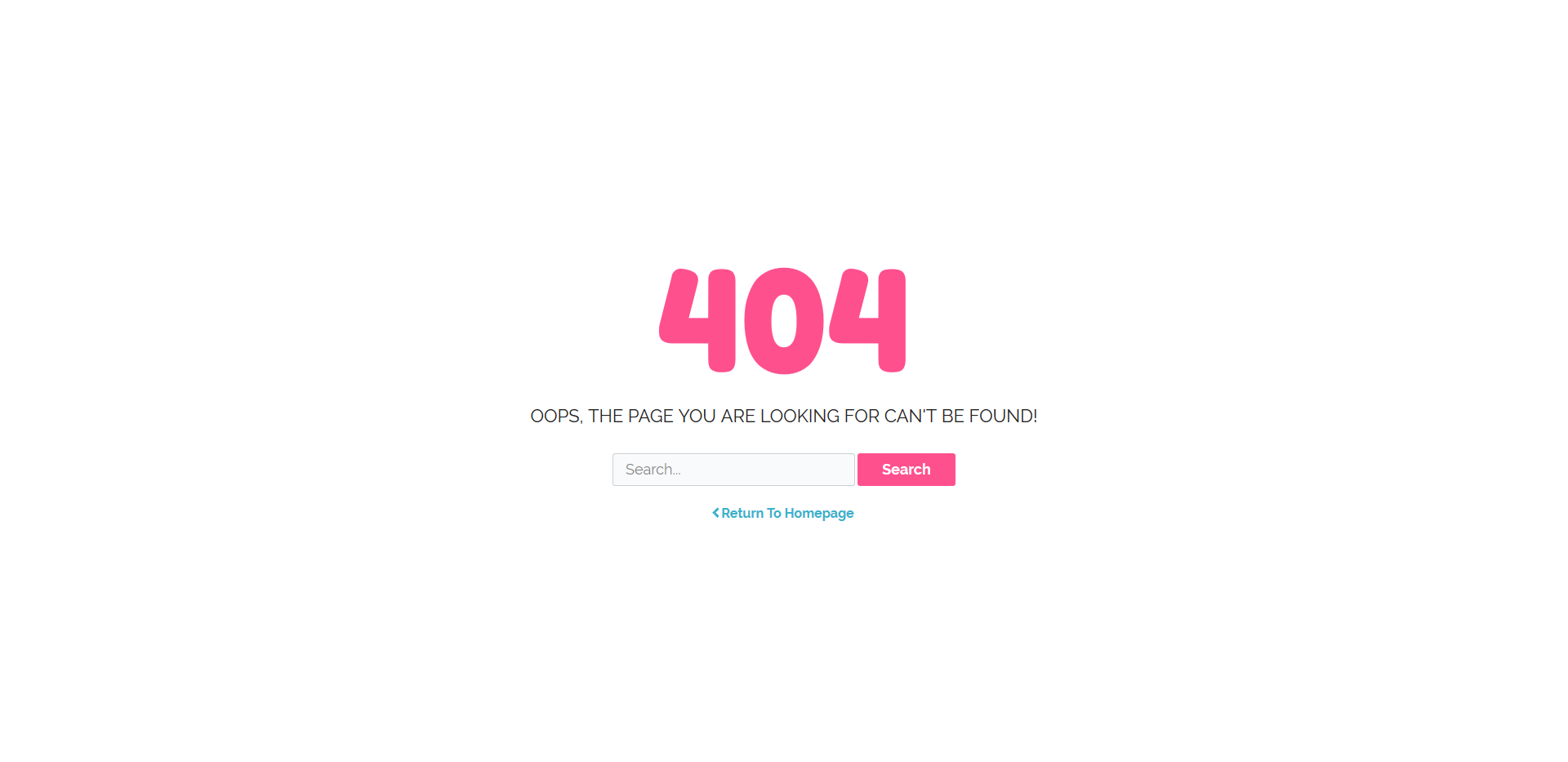
Regardless of the style, you rock with your page, we have a free error page template. No need to build one from the ground up anymore when you have so many different variations and solution at the tip of your fingers. We could call this next one a bubbly error page, what do you say? Instead of letting them leave the page right away, encourage them to find what they were seeking for in the first place. With rounded typography and pink for its core color, you will keep their attention and have them type in the search query once again. The page has a search bar and a Return To Homepage button for your information.
More info / Download Demo
Colorlib 404 v8
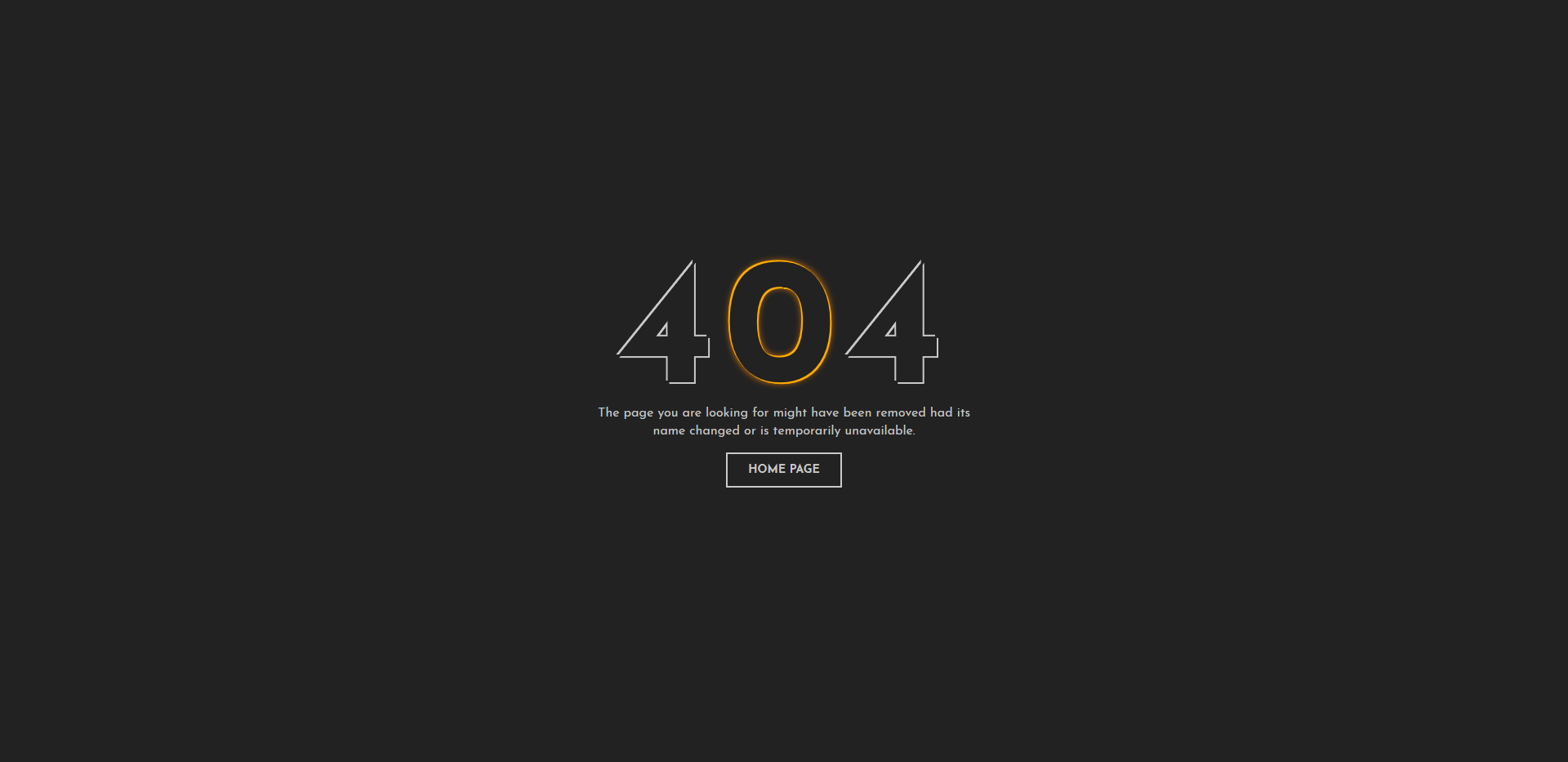
Another free error page template with a beautiful dark layout for everyone who would like to go against the norm. Sure, pages with light designs are more popular, but some folks prefer a dark layout. They fancy it because a website with a dark layout gives them better results. Anyhow, grab yourself this neat and modern, as well as mobile-ready and flexible, site skin and introduce it to your website without hassle. Let them know what caused them to end up on a 404 page and offer them to go back to your home page with just one click.
More info / Download Demo
Colorlib 404 v9
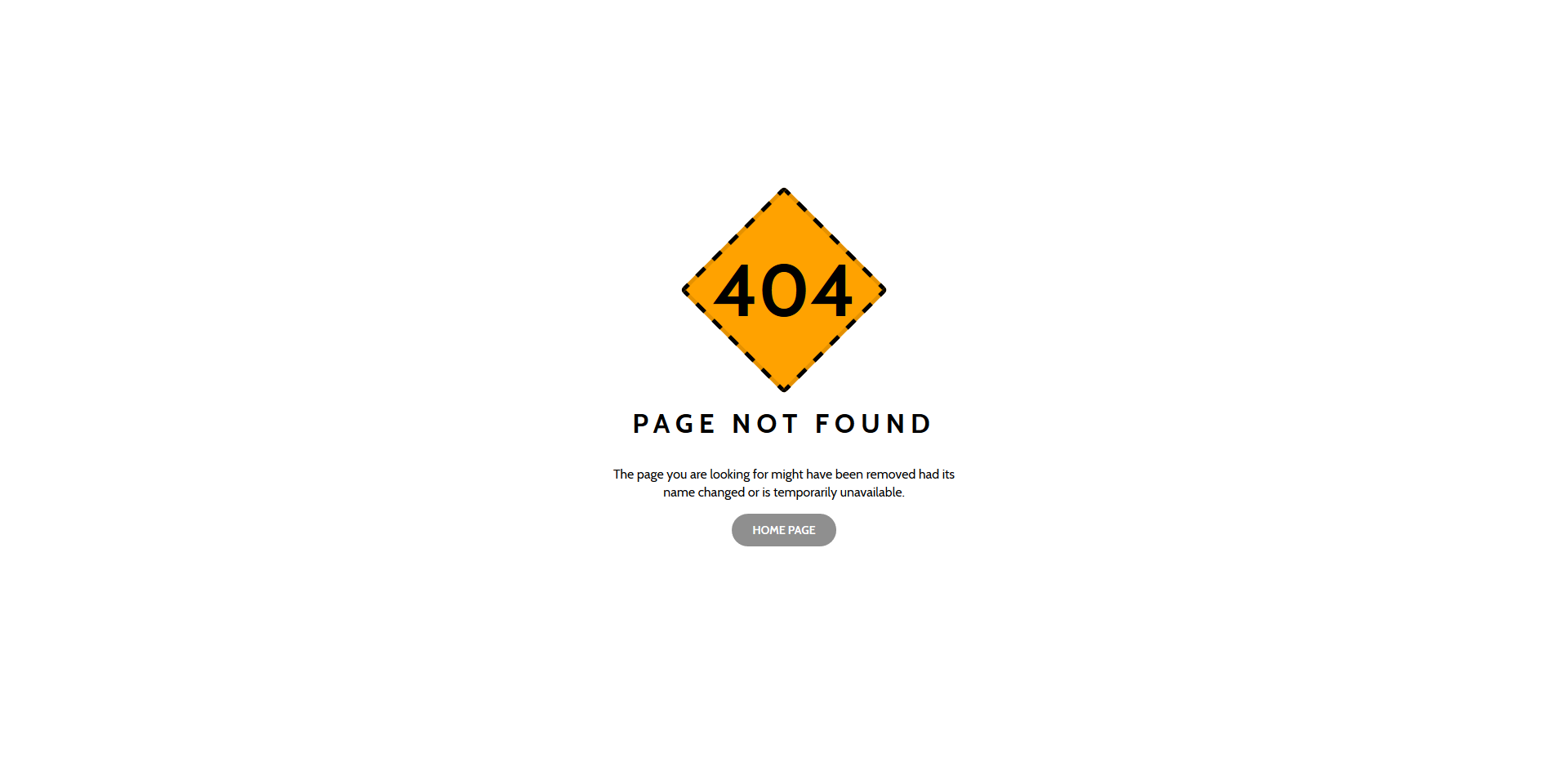
Sometimes, you see some text, the other time an icon and the third time, they use an entirely custom design for an error page. Whoever is in the process of bringing into being a must-have website as fast as possible, help yourself with free ready-to-use layouts. You know that you have loads of free error page templates to choose from that will save you extra time. Here is a cool, simple and easy to use web design that you can use at free will. You can also edit the text if you want to share a different message and even have the hover effect call-to-action button send it to your blog instead of the home page.
More info / Download Demo
Colorlib 404 v10
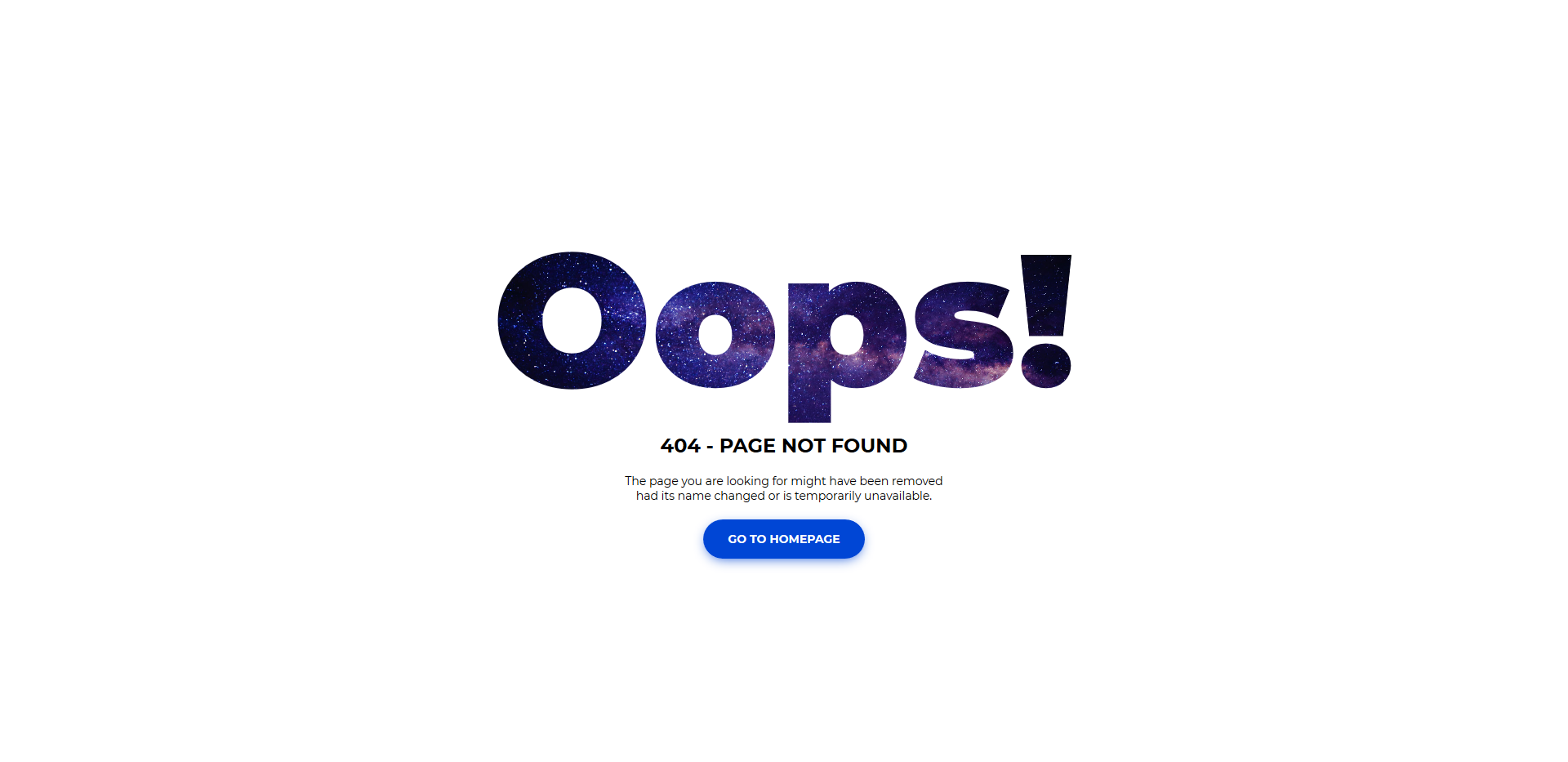
One thing is for sure, you would want to keep your branding flowing at the same level of sophistication across your entire web space. Get a free template now and put it to use right away. Make it striking and exciting even when it comes to a simple error page. As for the error page, we bring you a vast collection of different solutions that will, in many cases, suit your needs out of the box. Give them an “Oops!” and then lead them back to your compelling home page to find what they were looking for.
More info / Download Demo
Colorlib 404 v11
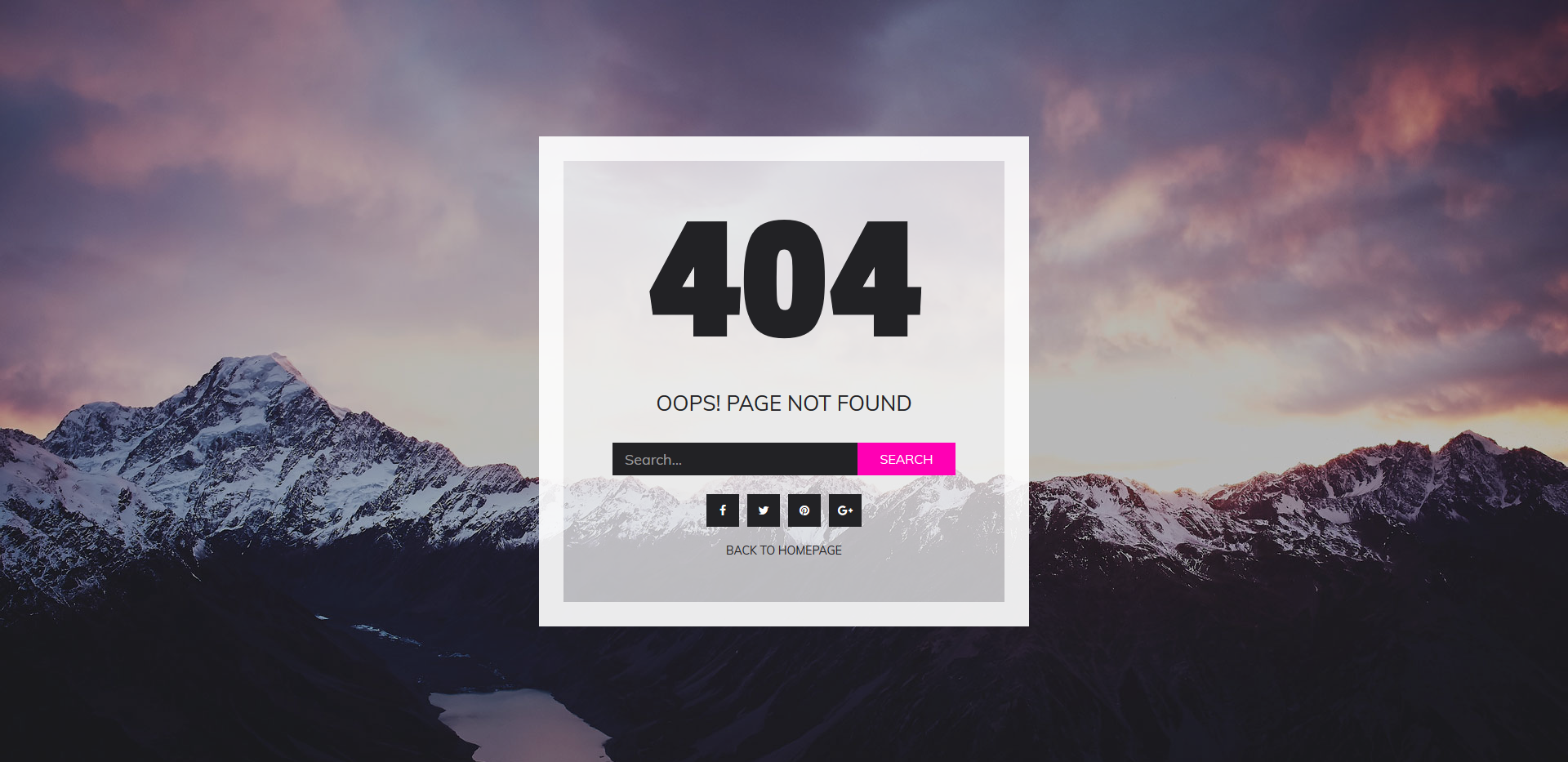
This free error page template can be a great extension to your already impressive photography website. The template features an image background with an overlay 404 notice, search bar, call-to-action button and social media buttons. On the flipside, you can also use it for an assortment of projects that you already run or plan to start. Indeed, a lot is going on on this web design, yet still, the experience will be outstanding. Download it now, take it to your advantage and keep your visitors excited even if they accidentally land on the 404 page.
More info / Download Demo
Colorlib 404 v12
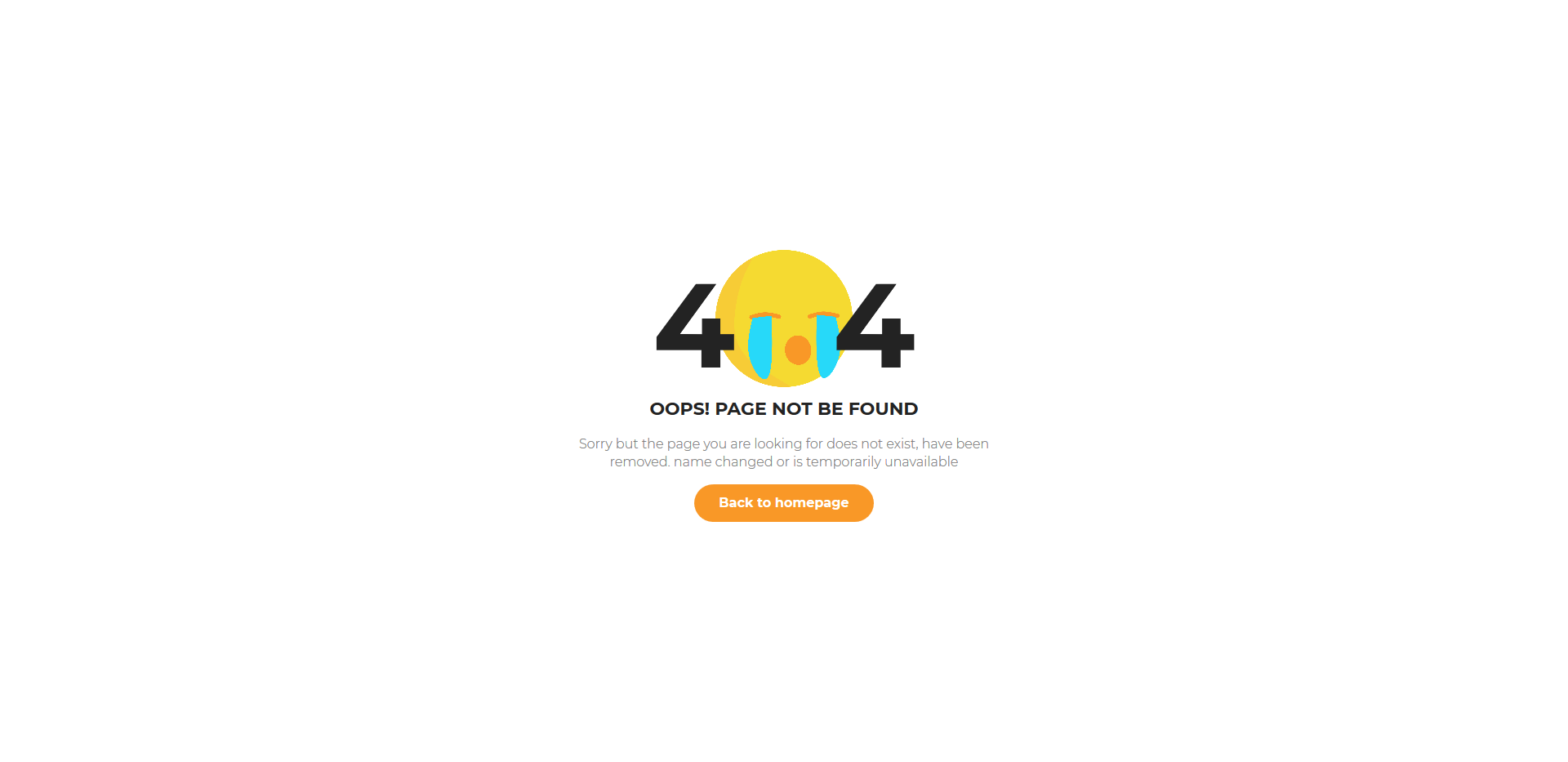
A crying emoji works more than ideal to have fun with your error page. On top of that, this free template is versatile and adaptive enough to work with numerous projects, whether a blog, a music platform or an agency page. While you will likely want to keep the catchy 404 notice, you can freely modify the text and the call-to-action button. The latter, you can link with your home page or take your users to a different section of your website, that is totally up to you. Whatever your final product looks like, it is a guarantee that will do the trick.
More info / Download Demo
Colorlib 404 v13
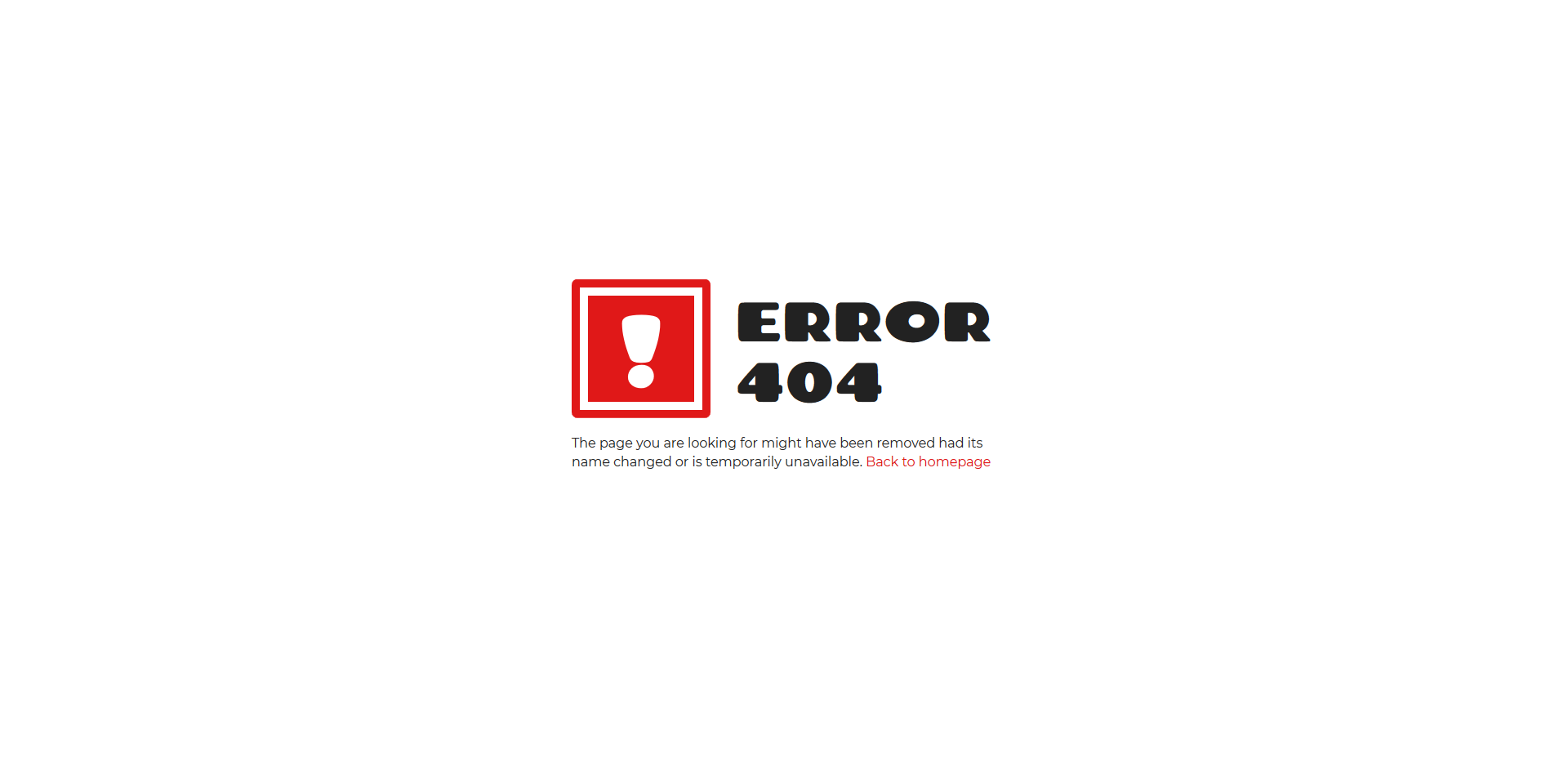
Cool sign and vibes are what’s up when you pick this free error page template for your website. You will just want to download it and add it to your page for the most part. It is a smart layout that works great with pretty much any website. The choice of fonts makes it appear a tad more fun and jolly what keeps their engagement at the highest degree. Besides, you can also alter the text and the CTA (call-to-action) button and share a custom message if necessary. You read that right, there is also a button in red and can take them back to the home page. After all, you do not want to lose your visitors even if they landed on an error page.
More info / Download Demo
Colorlib 404 v14
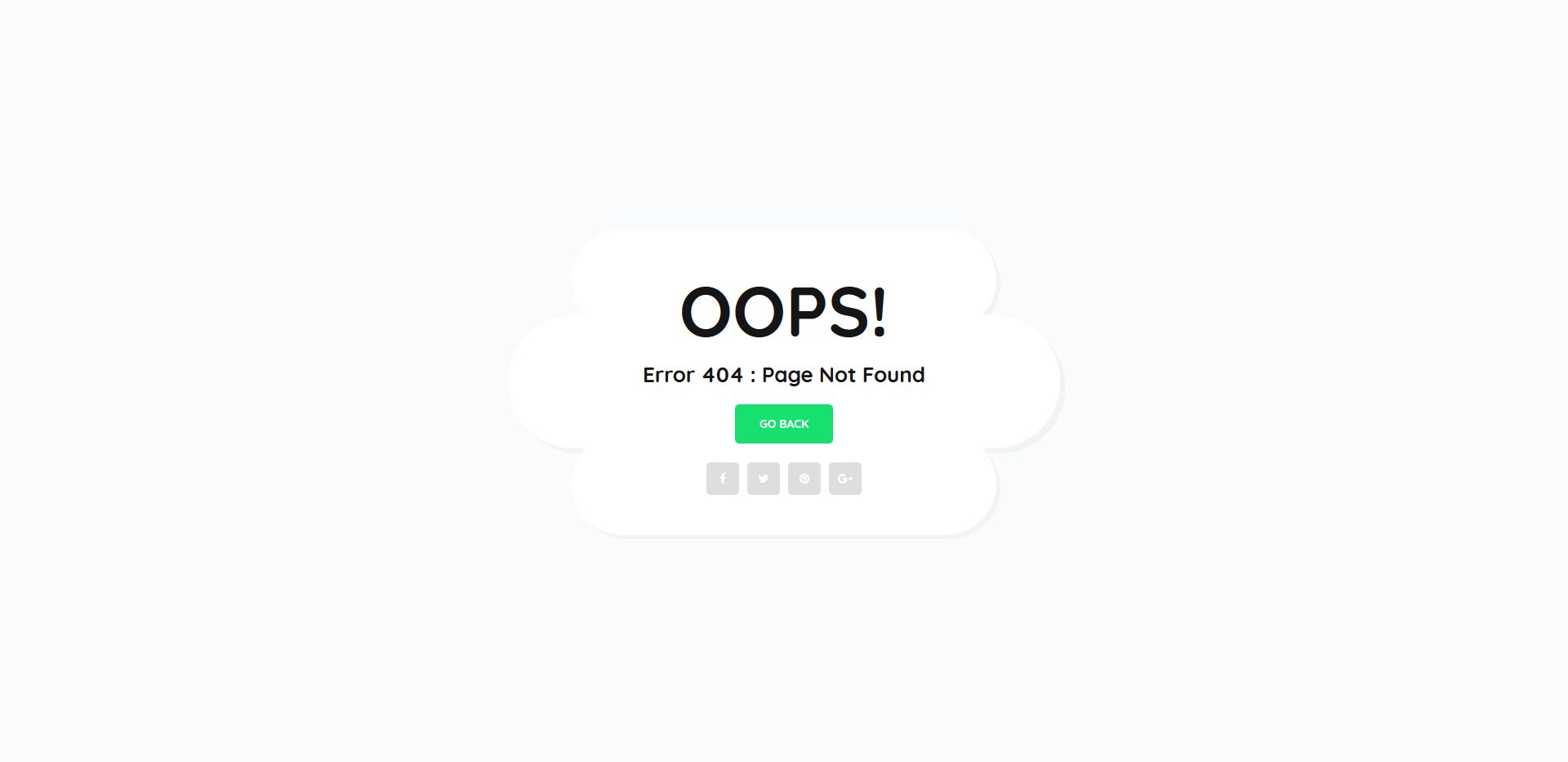
While 404 error pages are simple looking for the most part, you can still take an extra step and add creativity to them. A simple OOPS!, some extra wording, GO BACK button and social media icons in a fun cloud is all it takes to make the design appear more charming. Just take this free error page template as a fantastic example of my previous saying.
More info / Download Demo
Colorlib 404 v15
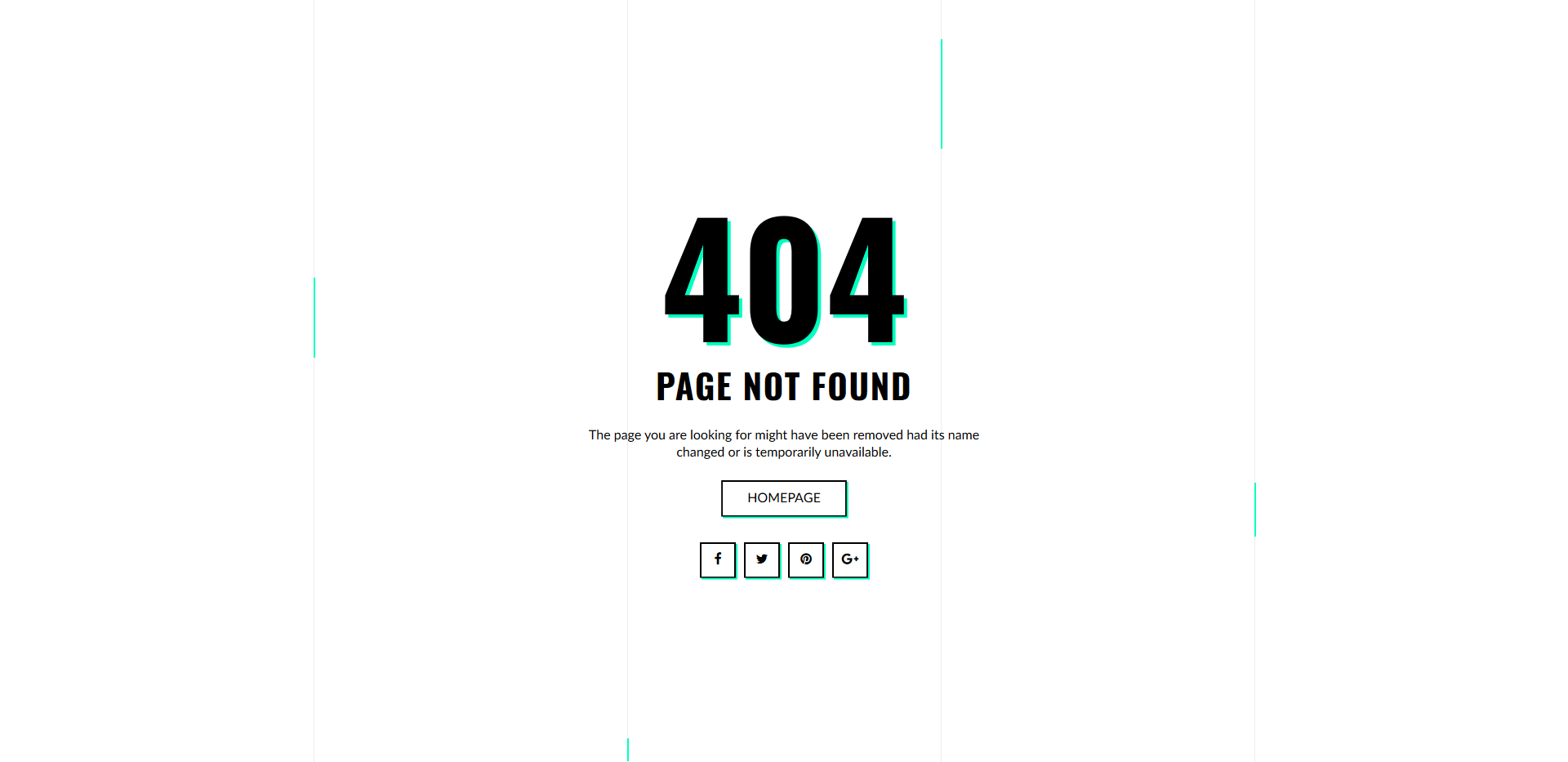
Shave all the possible distractions off the web design or keep things more engaging with animations, whatever the case, we have things sorted out for you. With many free error page templates at your services, you can add just about any type of layout to your page as you wish. If you need something more than v15 is the exact tool that you should go and download right now. It is an attractive 404 page with included homepage button, social media icons and animations. The positive impact, it will have on your users, will surely be rewarding.
More info / Download Demo
Colorlib 404 v16

Either you have a lot of red on your website or you would just like to strike them heavy, here is the right free error page template for you. As you see it for yourself, it is a beautiful 404 sign that will immediately let them know that they are on the wrong page of your website. On such that is not even available. No problem, you can easily maintain their presence by offering them to go back to the index page or straight up contact you. In addition, you can also promote your social media platforms with integrated buttons.
More info / Download Demo
Colorlib 404 v17
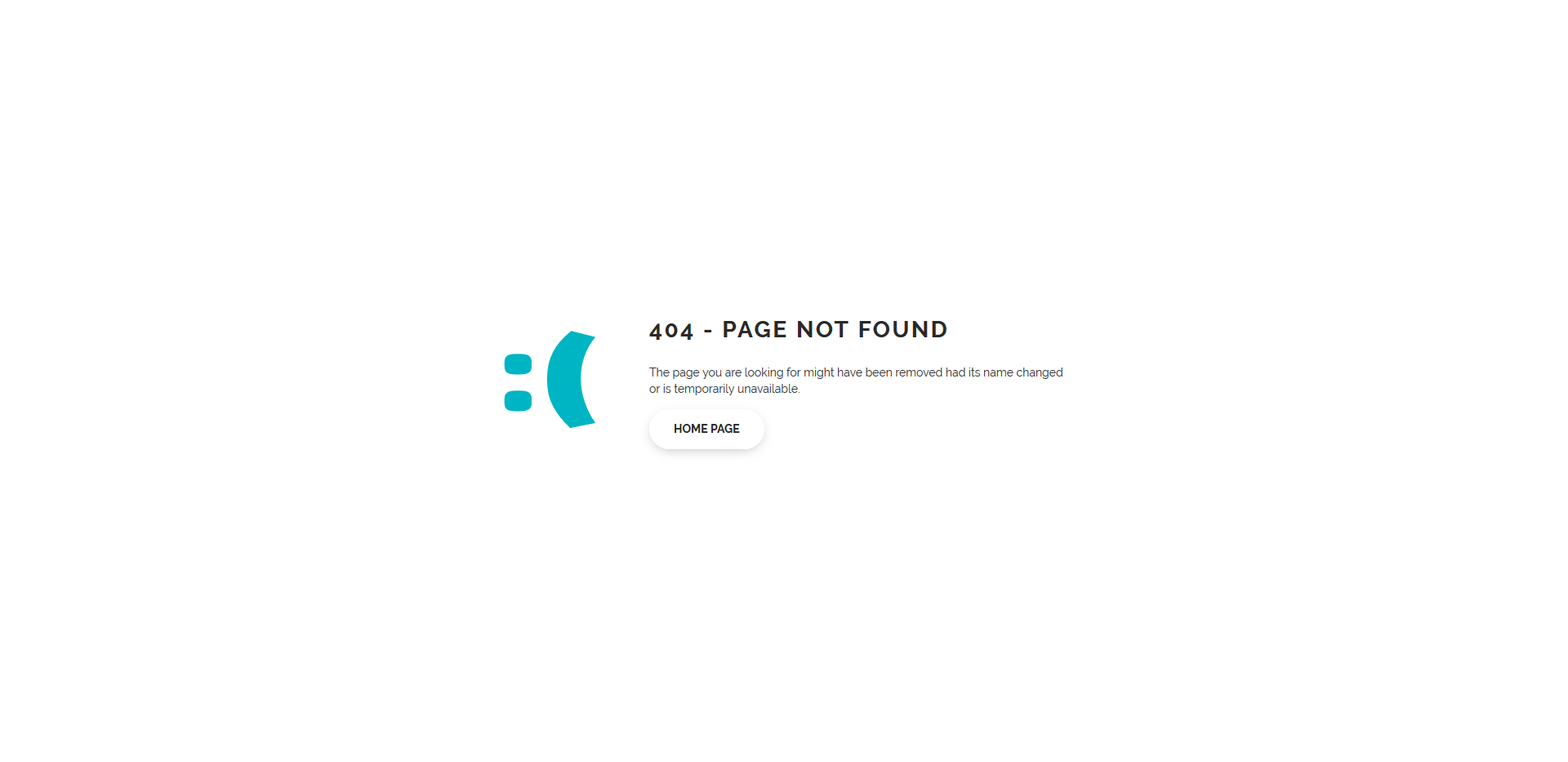
With a cool error page, you can let your users know that what they are searching for is no longer available or never was in the first place. Sometimes, the wrong search query leads them to the error page. However, you might do a large website update that makes you remove some of the pages in other cases. Whatever the situation, ensure that you keep your expertise consistent and of the highest standards even when it comes to an error page. An easy-to-use and implement free error page template will greatly value your webspace.
More info / Download Demo
Colorlib 404 v18
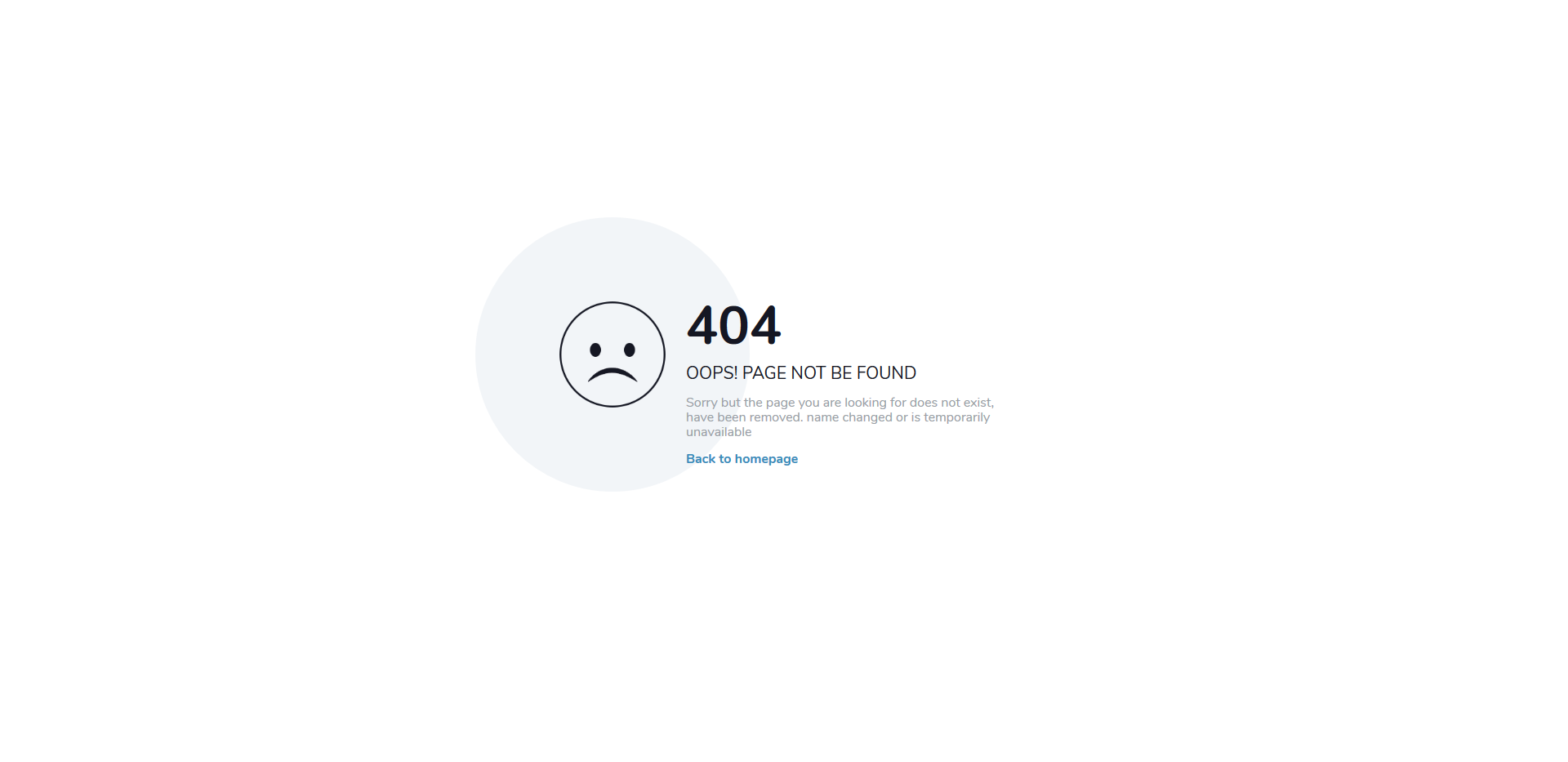
If you miss a page or the keyword they typed in the search bar is irrelevant, the error page will appear. Keep the default one or spice things up with a more catchy, cool, and fashionable layout. You can now get multiple free error page templates and test things out before you call it a day. It is unnecessary, but having a button that leads the user back to the home page can benefit. At least they might not leave your page immediately and continue browsing your site’s content.
More info / Download Demo
Colorlib 404 v19
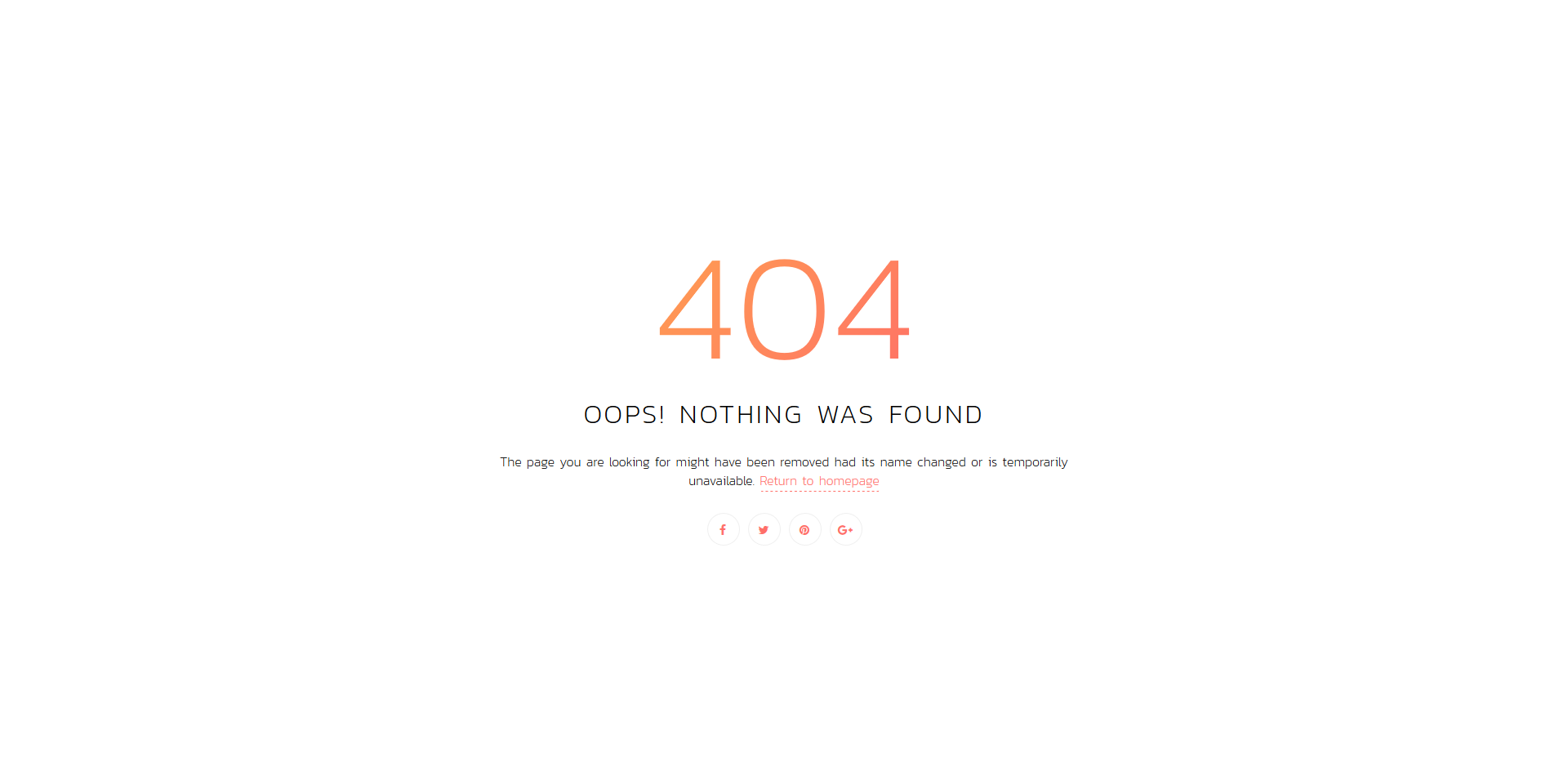
When you have a page on your website that is no longer available or you changed the name, a 404 page will occur. What to do with the error page is entirely up to you. However, we advise you to make it cool and actionable, helping you keep your users around for longer. With a simple notice and a link back to the home page, they might take action first instead of leaving your website. Moreover, you can also feature social media buttons and let them take a peek at what’s hot over there. This free error page template has both Return to homepage link and social icons for your convenience.
More info / Download Demo
Colorlib 404 v20

Everyone who ends up on a 404 error page, you should make sure they do not leave and visit your competitor’s page. Instead, at least give them a quick option to go to your home page where they can continue skimming through your content, products or services. If they have nothing to click on, they might simply quit your site and move forward. Make sure that is not the case for you. For your own good sake, you should do whatever it takes to have them engaged at all times. And when it comes to error pages, you have loads of modern, professional and stunning alternatives just a click away.
More info / Download Demo
Error Page 404 Vampire
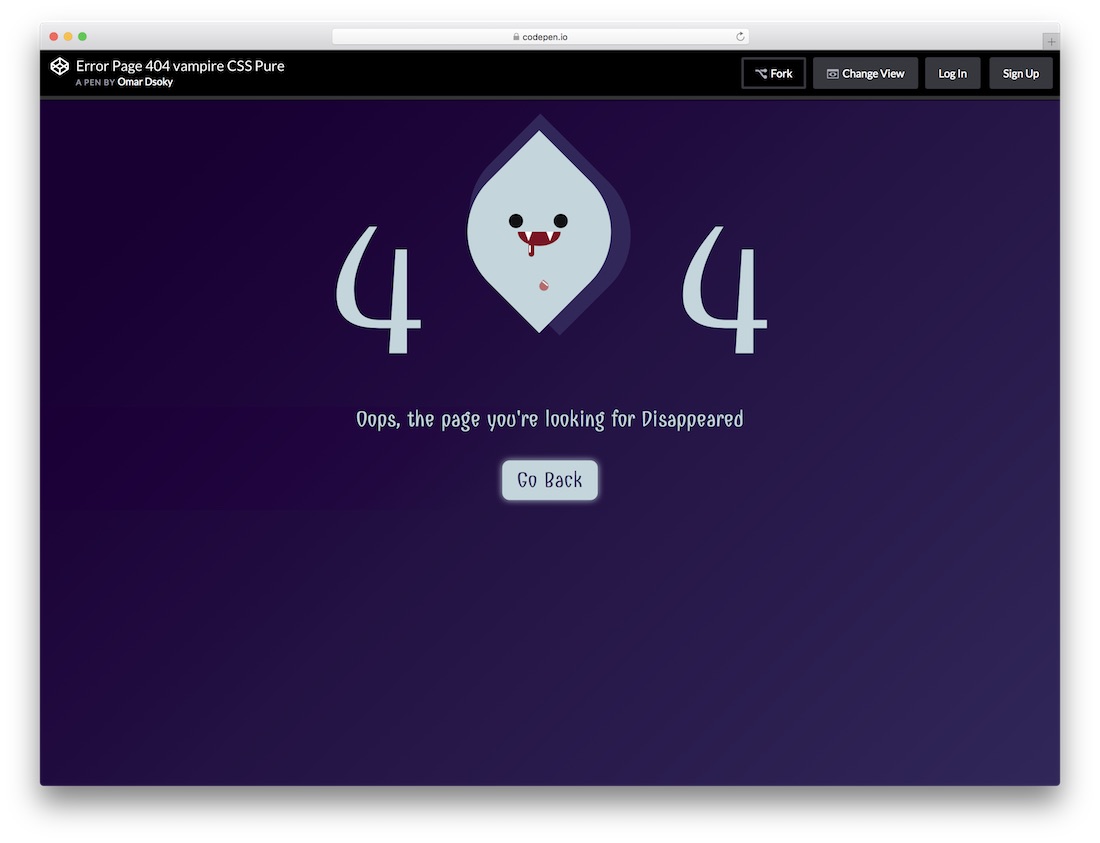
If you want a fun way to display your error pages, you better go with this cute vampire version. It features a moving head of a vampire with blood dripping out his mouth sandwiched between a four and a four. Below is some text you can alter and further down a call-to-action button.
You can use this free error page template or add your personal touch. Make it follow your branding so it does not feel weird when visitors land on it. Otherwise, it might feel like they are not on your page anymore and will leave it altogether. Do things creatively and fun, go against the norm, and stand out from the crowd, even with error pages.
More info / Download Demo
404 Error
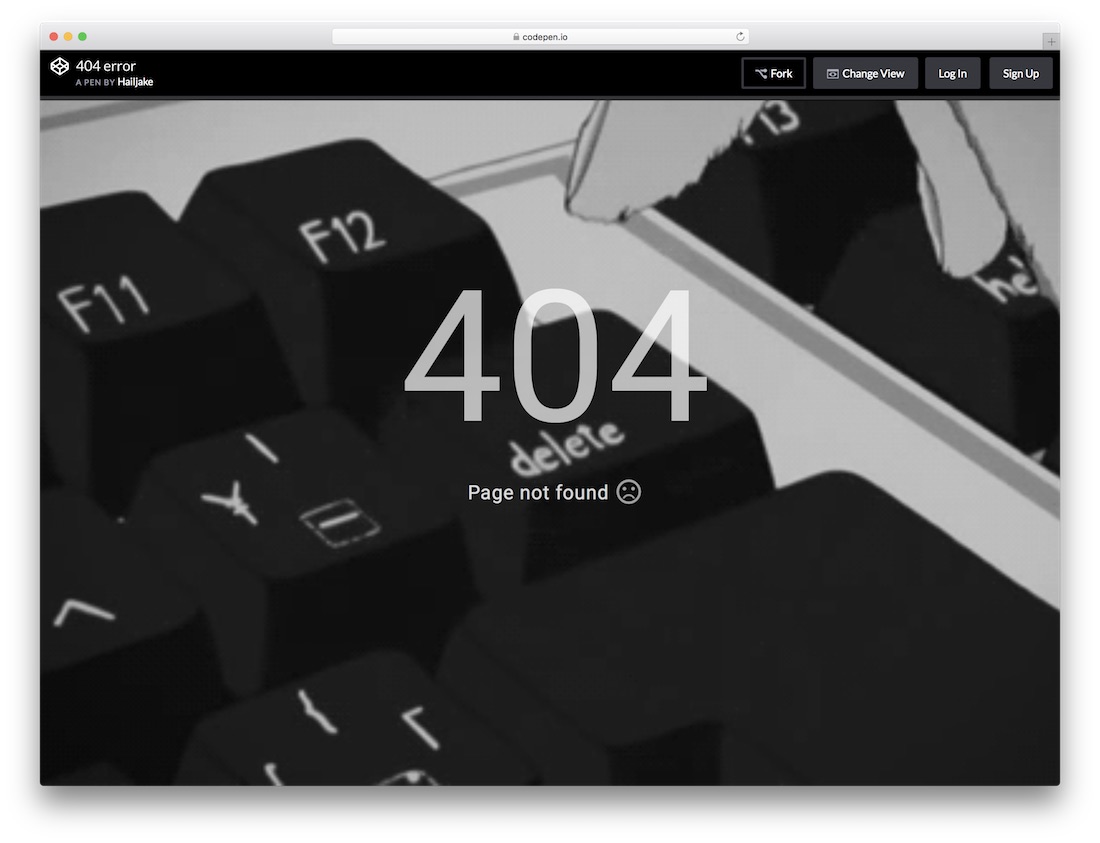
This next one will get you clicking. If nothing else, then the back button for sure. However, you might also start hitting the delete key because the animation is just too enticing and persuasive. The free 404 Error page template is a cartoon of a black and white finger repeatedly pressing the delete button on a keyboard. Unfortunately, there is no call-to-action button that this template offers.
However, the tool uses HTML and CSS if you want to tweak customization and enhance its presentation. You might add your own CTA or encourage visitors to return to where they came from if your website led them to an error page. For whatever reason, these on-repeat short clips hook you every single time and make you stare at them with your eyes bulging.
More info / Download Demo
Error Occurred
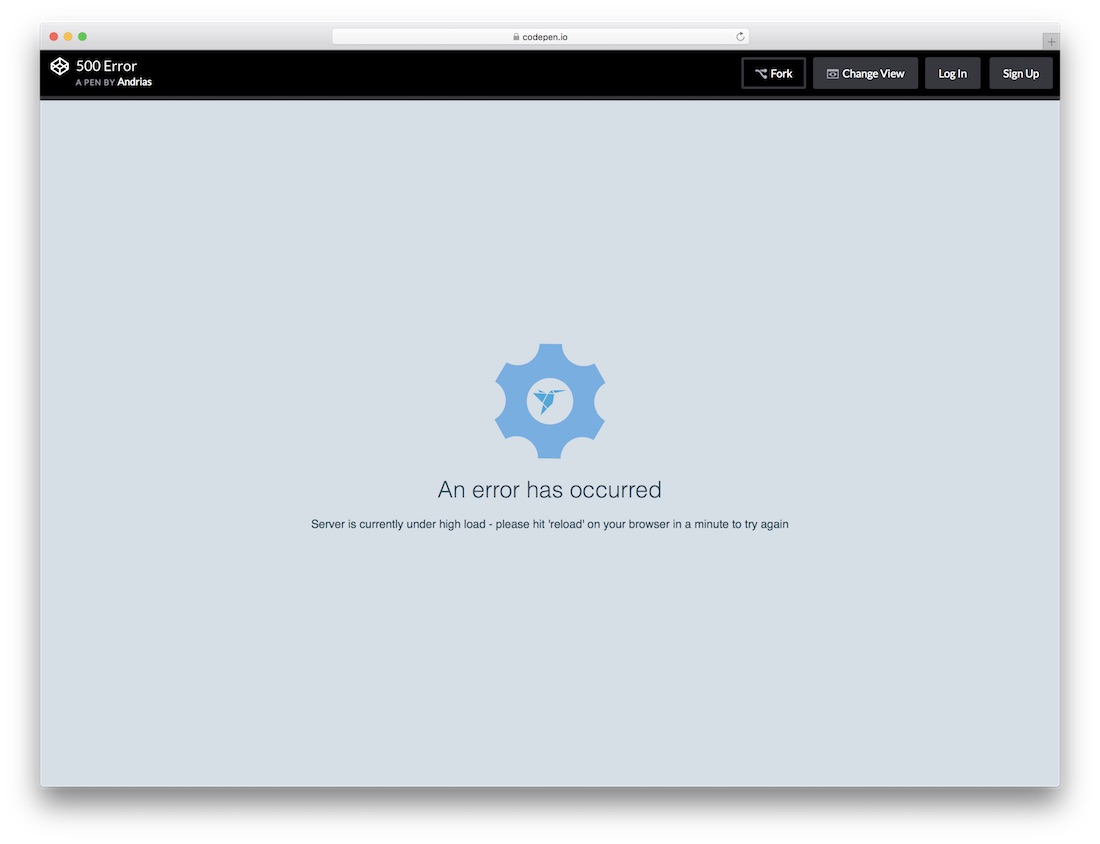
Error Occurred is a 500 error page template. With the animated web elements and the background, this template provides an interactive experience to the users. Simple clean texts are used to show the message to the users and a single line space is given to help you give a personalized message to the user. You also can add your logo to the center of the page.
To demo the code the user uses the freelancer website logo. The template uses a blue color scheme to meet the design consistency, but you can change the color to your brand color if needed. Since you gave clear instructions to reload the page, you don’t get any call to action buttons with this error page template. The template uses HTML5 and CSS frameworks.
More info / Download Demo
Unicorn
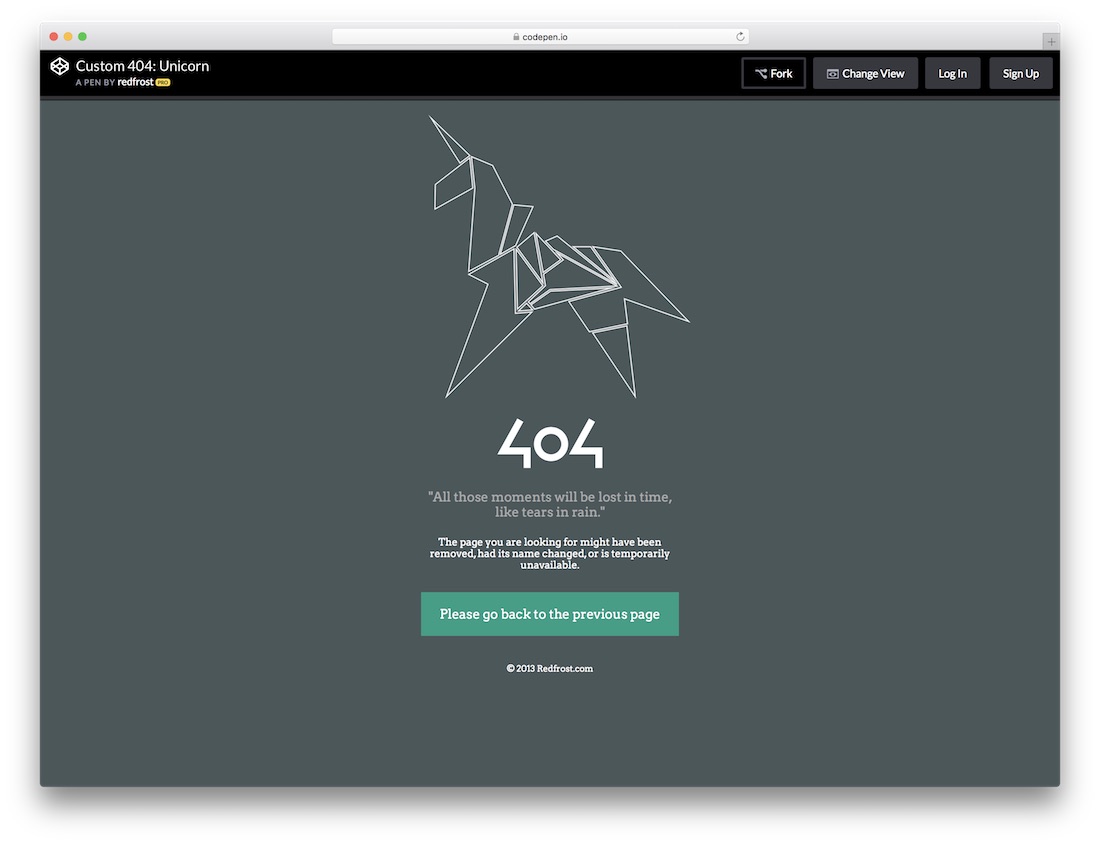
You no need to be creative only with the design and the visual effects. You can also make use of the words to stay creative. But this 404 error page template gives you both simple creative design and ample space to add a creative message.
The unicorn image took the major space on this design. You can use your brand character here instead of the unicorn if you have any character like the Edd with the Easy digital download or one-eyed monster with the Optinmonster. At the bottom you have a call to action button to take the user to the previous page.
More info / Download Demo
Under Maintenance
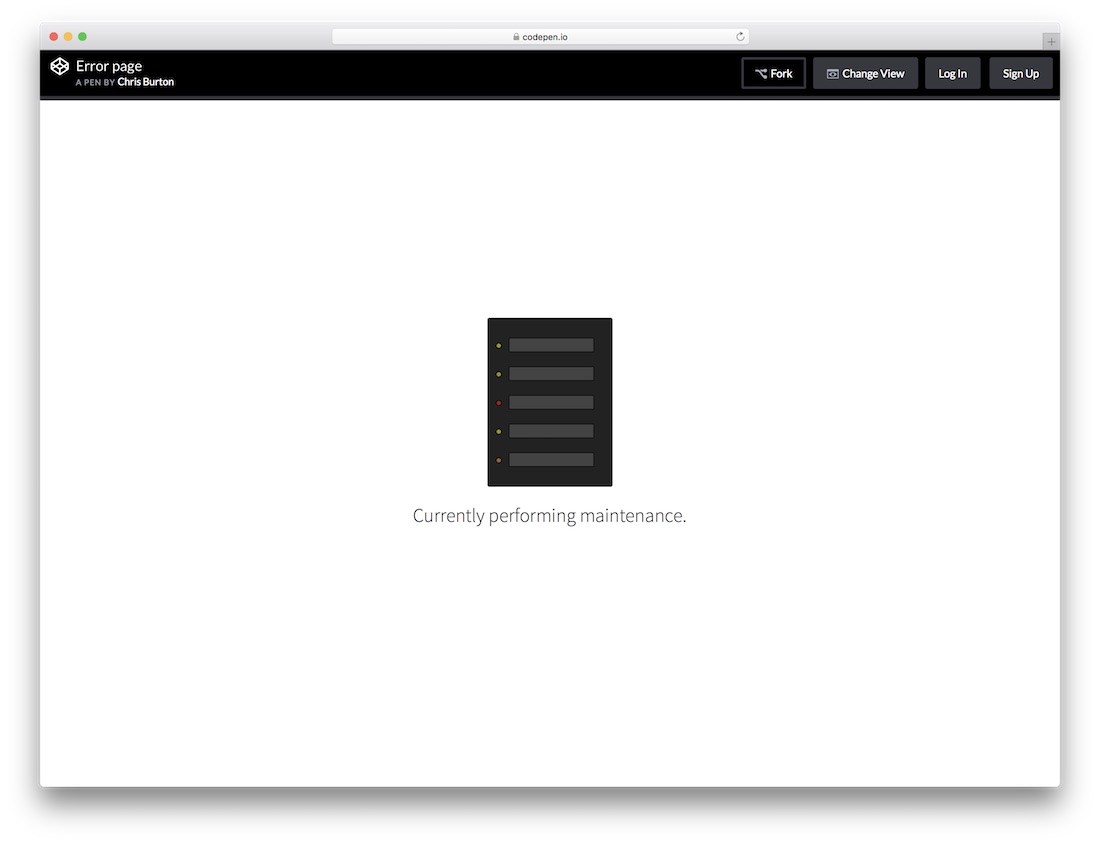
This error page template can be used for scheduled maintenance when your site is down. With the simple animation and fewer option this template only uses few lines of code. So the template is lightweight and has plenty of room for improvement if you need. Other than the animated image and few lines of texts there are no other elements on this template. If you wish, you can customize this template to fit your need. Some big websites will maintain only certain parts of the website by leaving other pages to give users an uninterrupted service. If you are also doing so, you can add other working web page links to this error page template to retain the visitor.
More info / Download Demo
404 Crying Baby
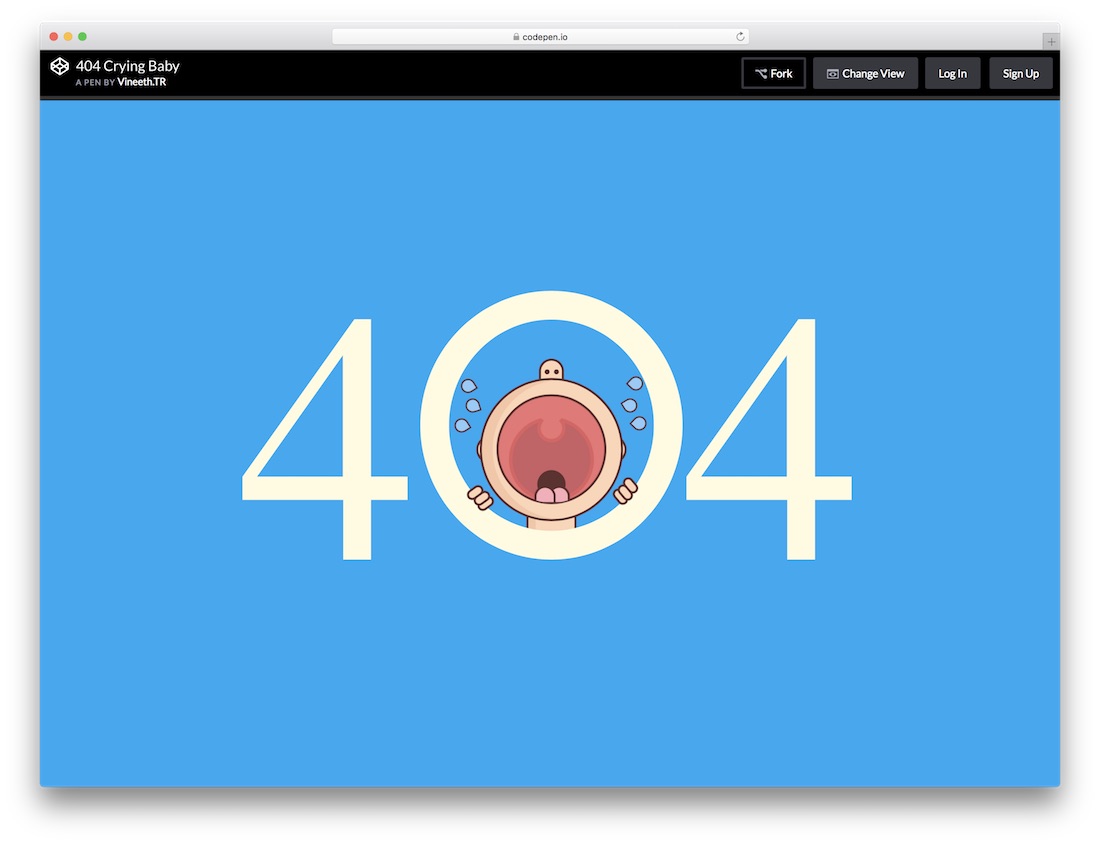
404 Crying baby is another character based animation error page template. This is a 404 error page template, it looks clean and pixel perfect. The animation effects are smooth, each element are neatly animated with no lag or overlap. The bold white 404 text is clearly legible on the clean solid blue background. This template does not give you any space for adding personal messages or other web elements like the call to action button. If you need to customize this template, it uses HTML and CSS frameworks.
More info / Download Demo
Bill Error Page
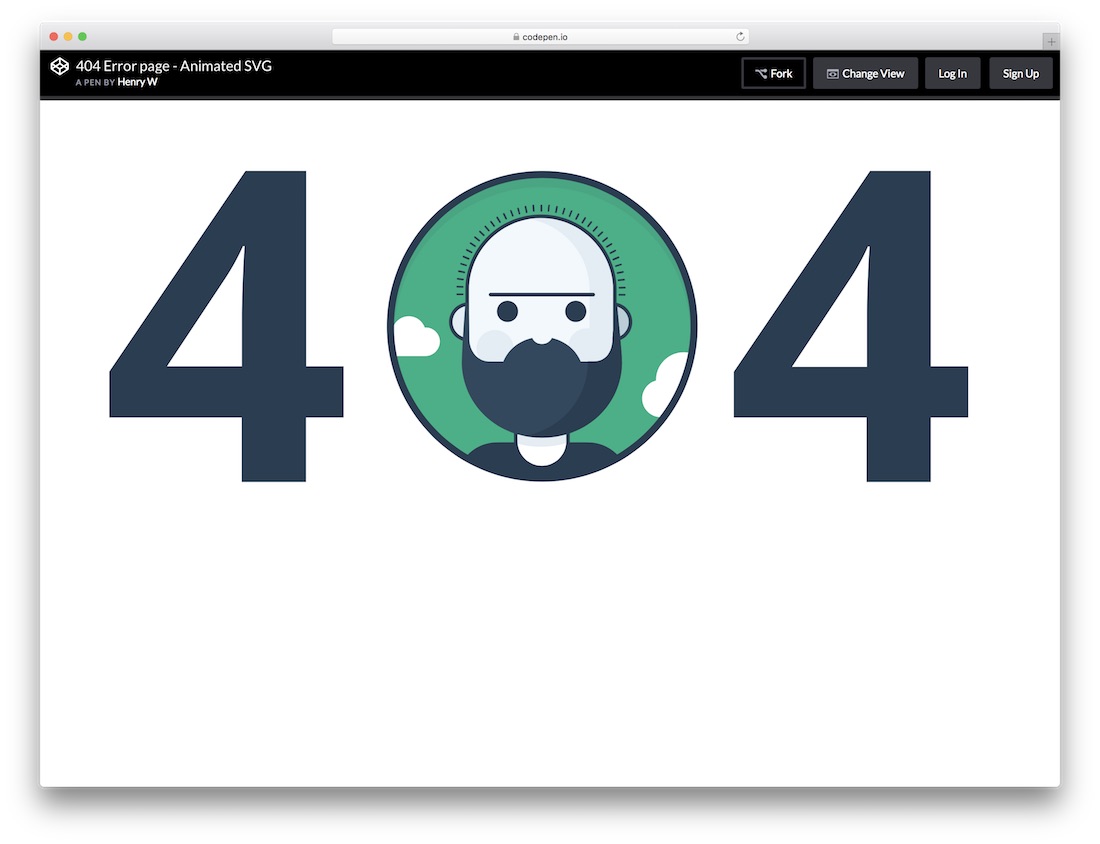
It is a perfect choice for both personal website templates and business website templates. This template fills the screen space with bold 404 texts and a neat animated character in the full-width design. The character and background alignment is done perfectly to fit within the zero of the 404. Another interactive element with this template is a hover text showing the character name. You can use this space for adding a text link to other pages. Again if you have any brand character, you can use it here to make your website reflect your brand consistently throughout the design.
More info / Download Demo
Lost in Space
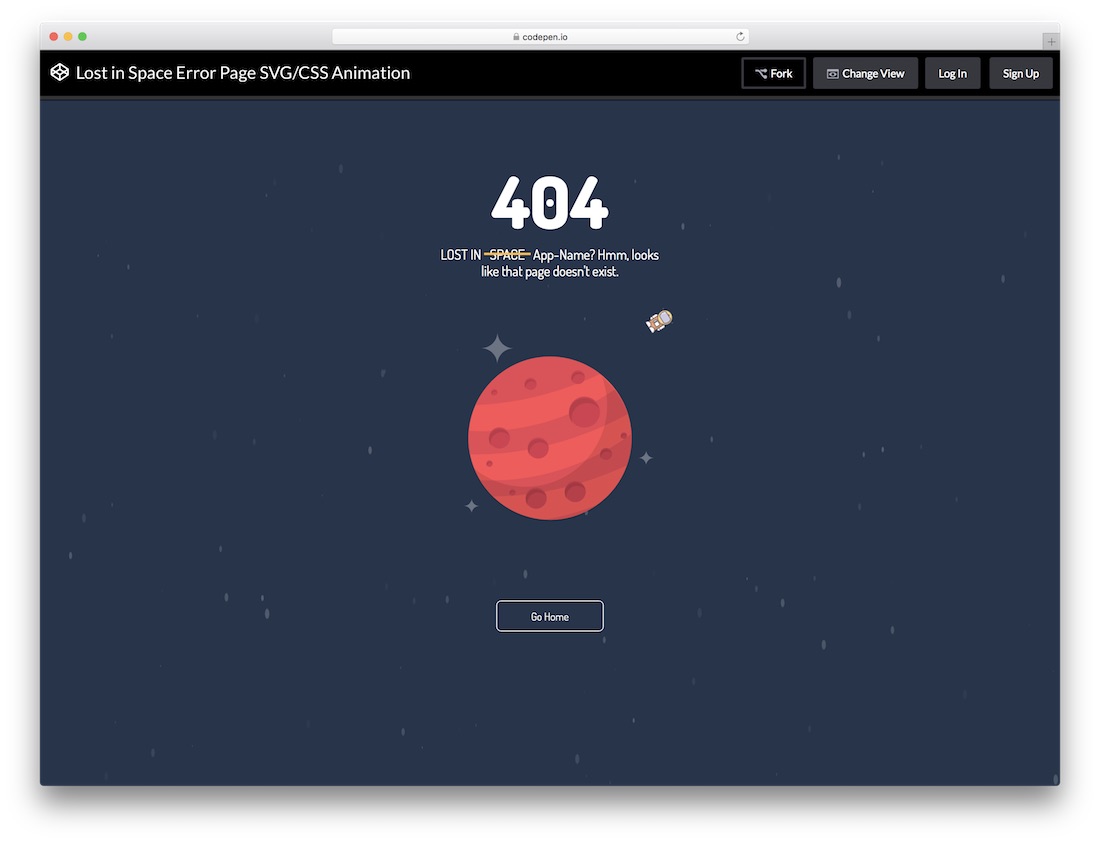
Lost in space is a complete package. This well-coded error page template uses HTML, CSS3, and Javascript framework. This template ticks all the boxes to create a perfect error page template. It is a full-width website template that smartly manages the screen space with an animated background, giving the template a lively feel. This template is fully functional and has all the necessary features you need. You can mention the error code and give enough space to add your custom message. At the bottom, you can add a call to action button to take the visitors to the homepage.
More info / Download
404 Gradient
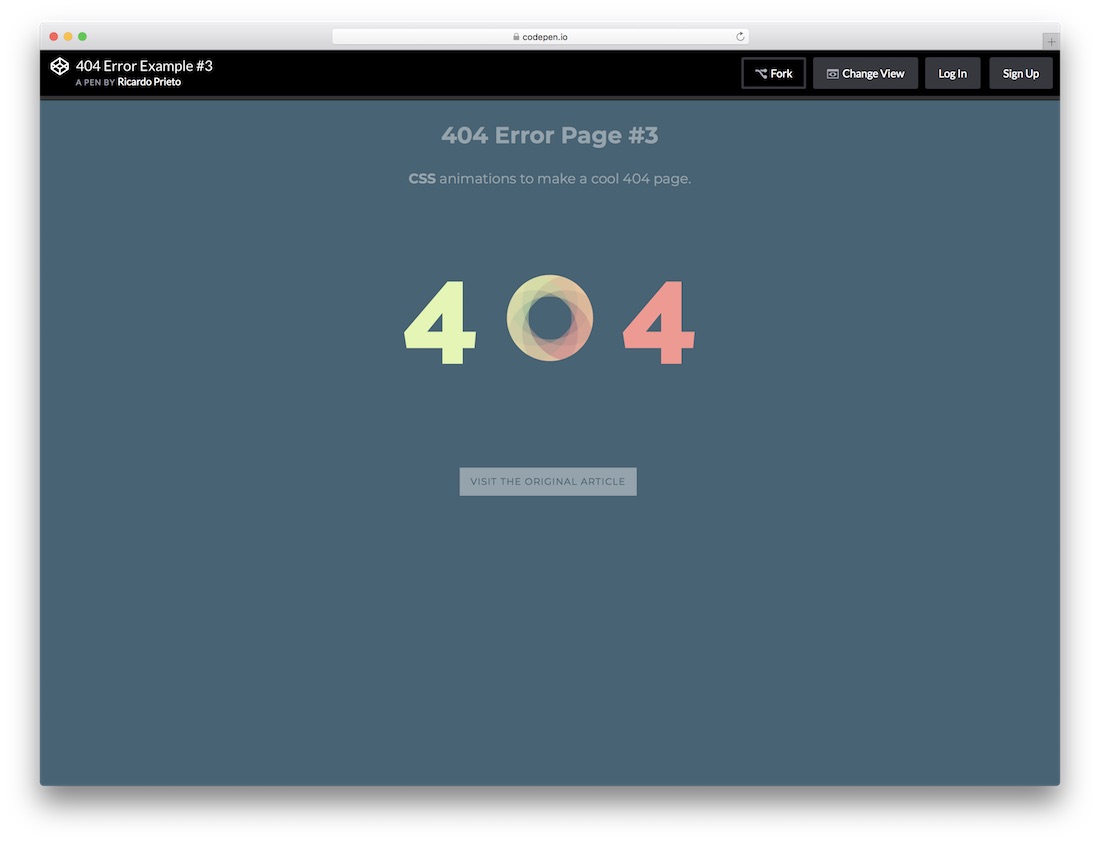
404 gradient is a simple and elegant modern error page template. Most of the HTML website templates include 404 templates with the package. Nowadays, even some premium quality free website templates include all the basic pages designed for you. If you are unsatisfied with the pre-bundled 404-page template, you can use creative templates like this 404 gradient.
With this template, you can clearly state the error to the user and have a small space to add your personal message. The call to action button at the bottom can take the user to the homepage or the previous page.
More info / Download Demo
Error Page #2
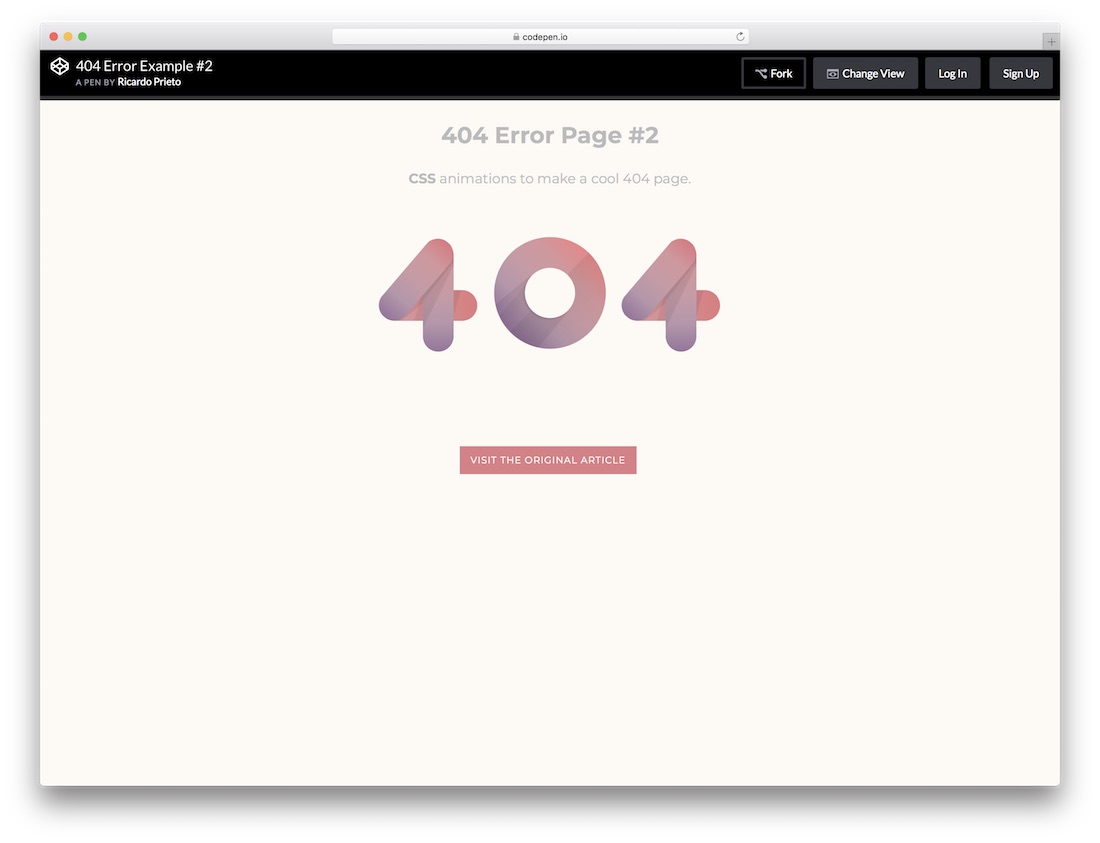
Error Page #2 is a light-colored error page template. The animation effects are also designed with a dark to light color transformation to match its light color. It is also a 404 error page template since the code is shared with you directly you can change it to make this work for other errors. This template is also a complete error page with pixel-perfect design and useful features like the lost in space. With this template, you get one line space to add a custom message and a call to action button at the bottom. This template is purely developed with the latest HTML and CSS framework.
More info / Download Demo
Swinging 404
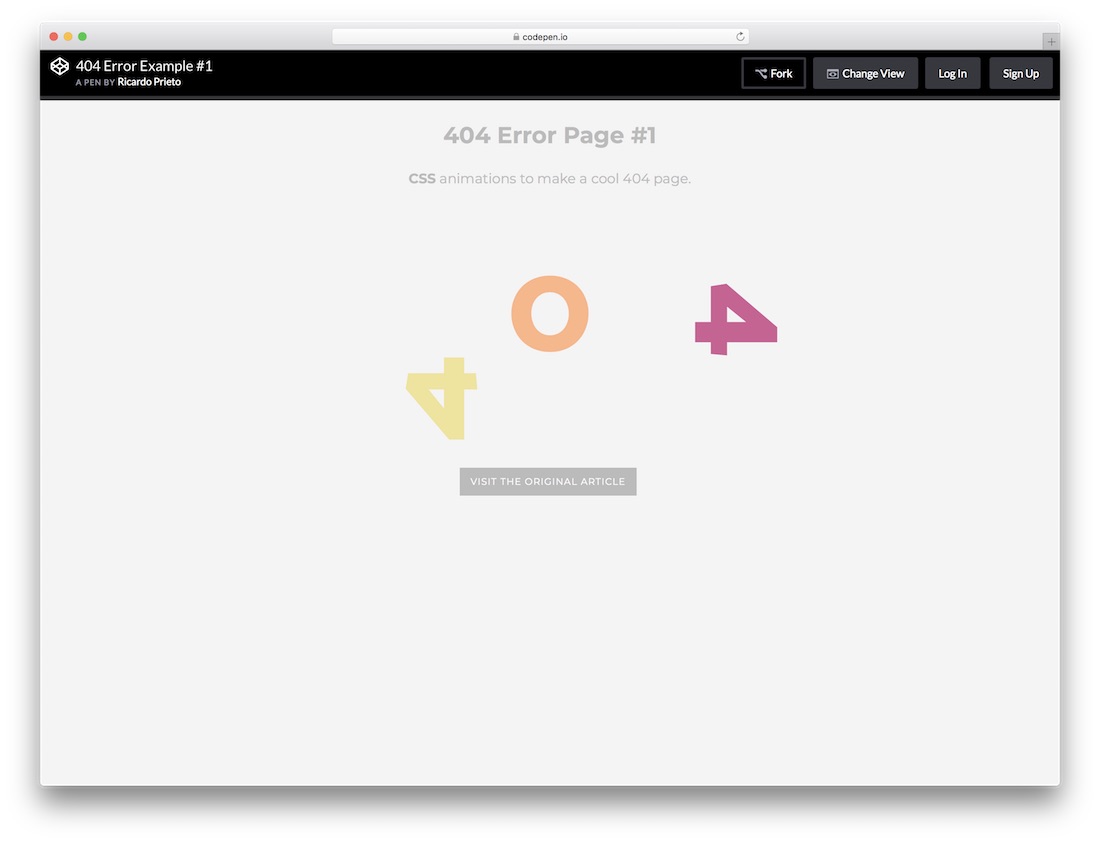
This error page template is the best match for the kindergarten website templates. Because the mild colors and attractive minimal animation effects of this error page template can blend well with the school website templates. Apart from the visual effects, every other feature remains the same as you have seen in Error page #2 and the 404 gradient error page template. At the bottom, you can add a call to action button to take the users to the homepage or the previous page. Again it is a clean template that only uses the latest HTML and CSS frameworks.
More info / Download Demo
Torch Not Found
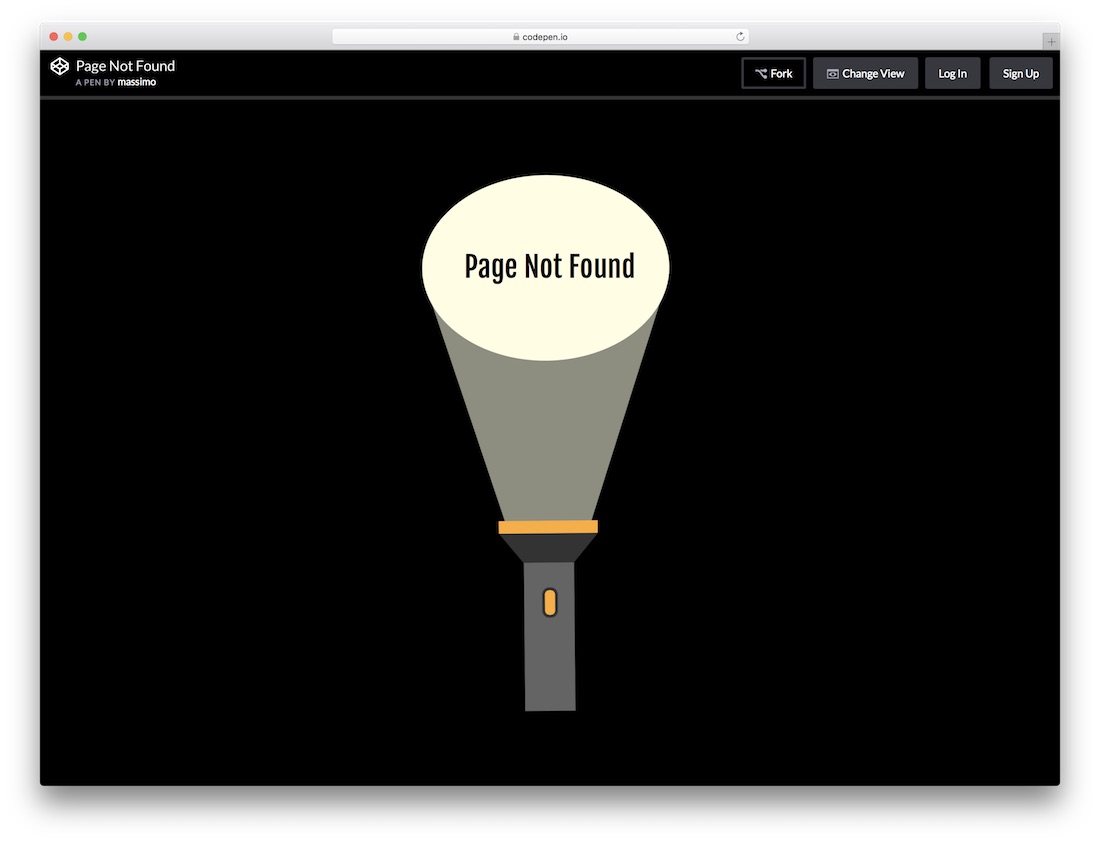
It is an interactive template is a clean visual effect. Searching with torch animation is used in this template to match the page not found meaning logically. With this template, you can directly notify the user of the error code and the page not found error message. This template did not give you any other option to help you add a personal message; it is an obvious choice because for this type of animated template, even if you add any personal message, mostly users won;’t stay on the page to see the message.
More info / Download Demo
Error Page With Animation
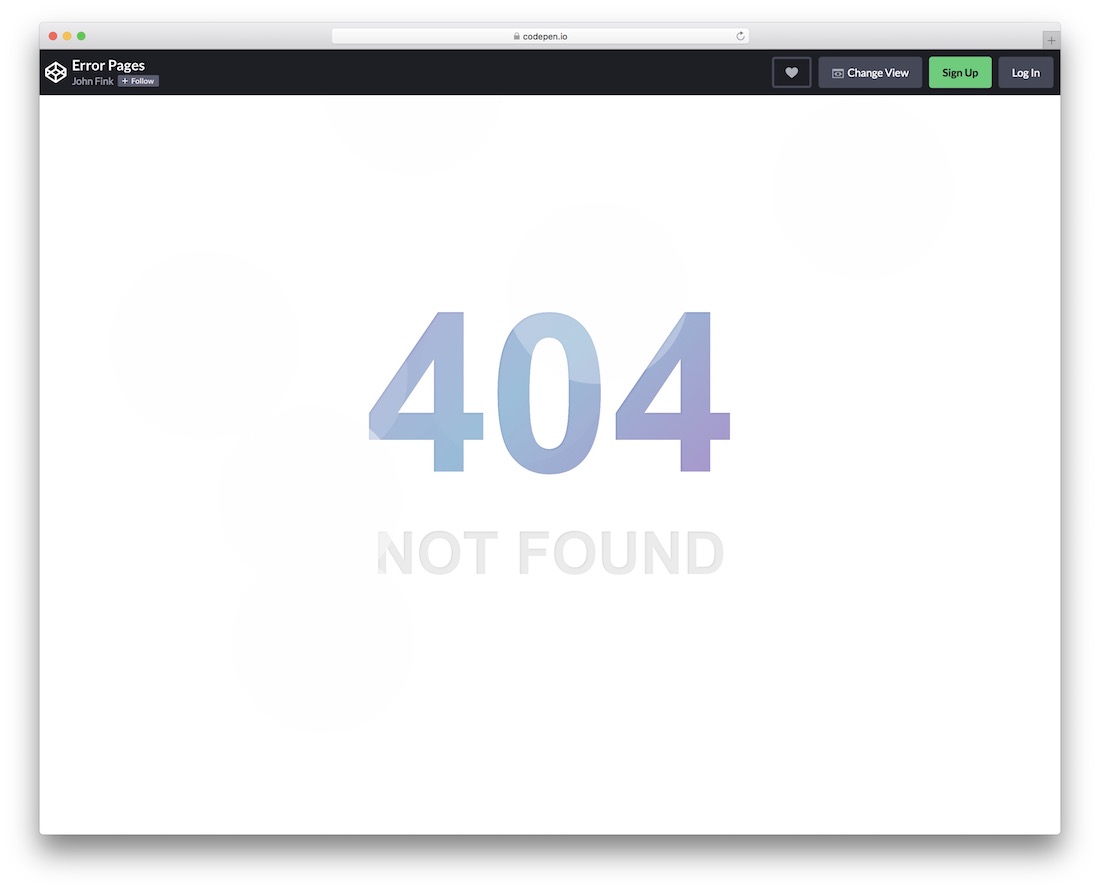
Here is a neat free error page template with great creativity. Instead of keeping the 404 page dull, have fun with this template. To some extent, it is pretty basic, still, it has a neat animation that will trigger everyone’s interest. Moreover, you can also fine-tune and adjust the entire template so it seamlessly fits your website’s theme.
More info / Download Demo
Chrome’s Internet Connection Error
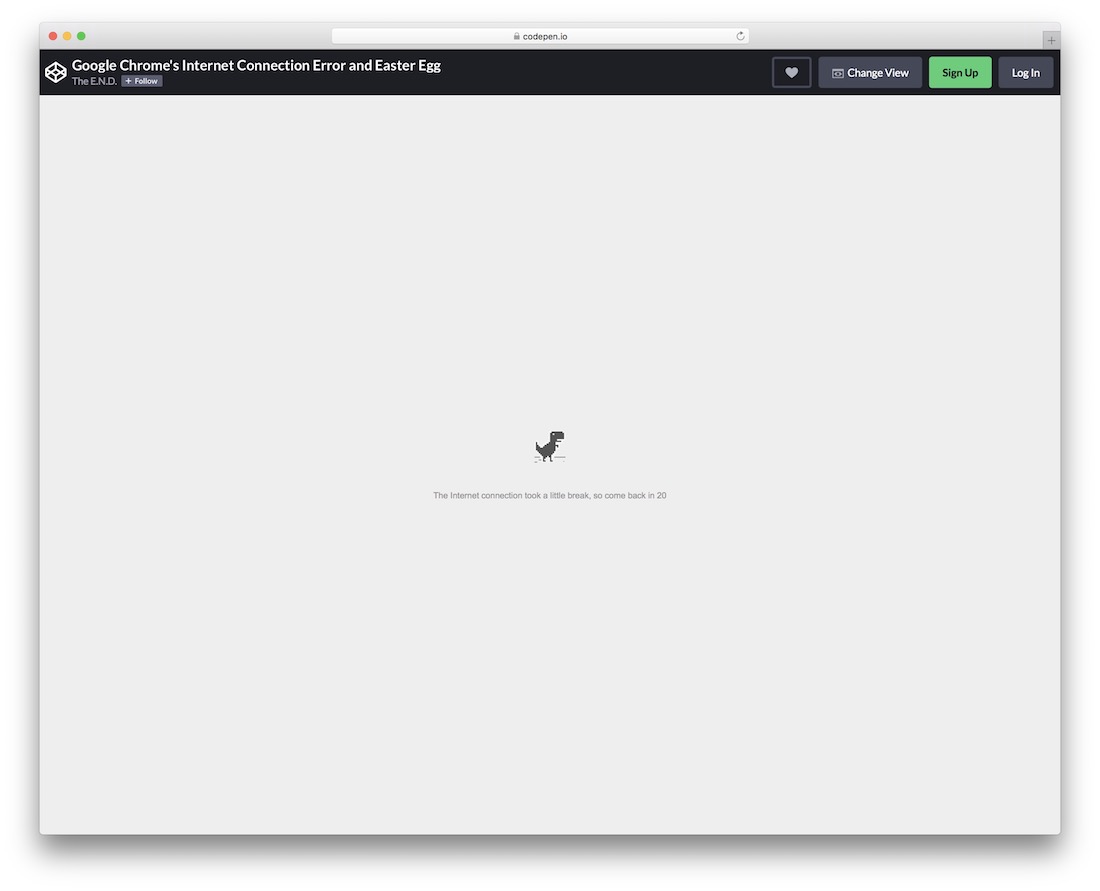
Is that what you have been looking for? Or would you just like to add something different that everyone will instantly recall from back in the day? Anyhow, here is a free template that you can use for an error page featuring a pixelated dinosaur and text. Of course, you have the right to style the default configurations so they match your design. You will also notice that the text appears/disappears on hover.
More info / Download Demo
Cool 404 Error Page
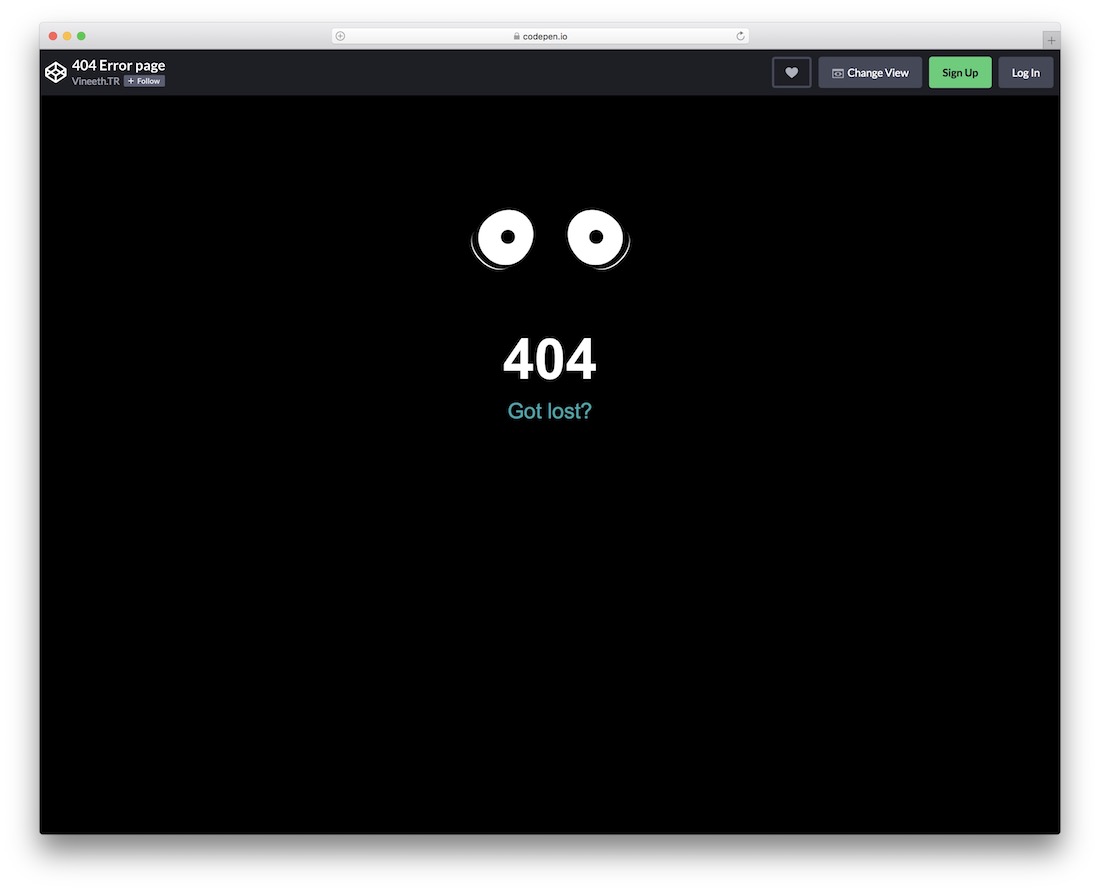
Scary eyes watching you and all over the place, that’s what’s up when it comes to this free error page. It is one of those cooler ones, helping you add a touch of fun to your website – because, why not? Needless to say, if you would like to improve something, like text, for instance, you are welcome to do it using the online editor directly. Play with the functions and create a precise outcome to your liking.
More info / Download Demo
Closed
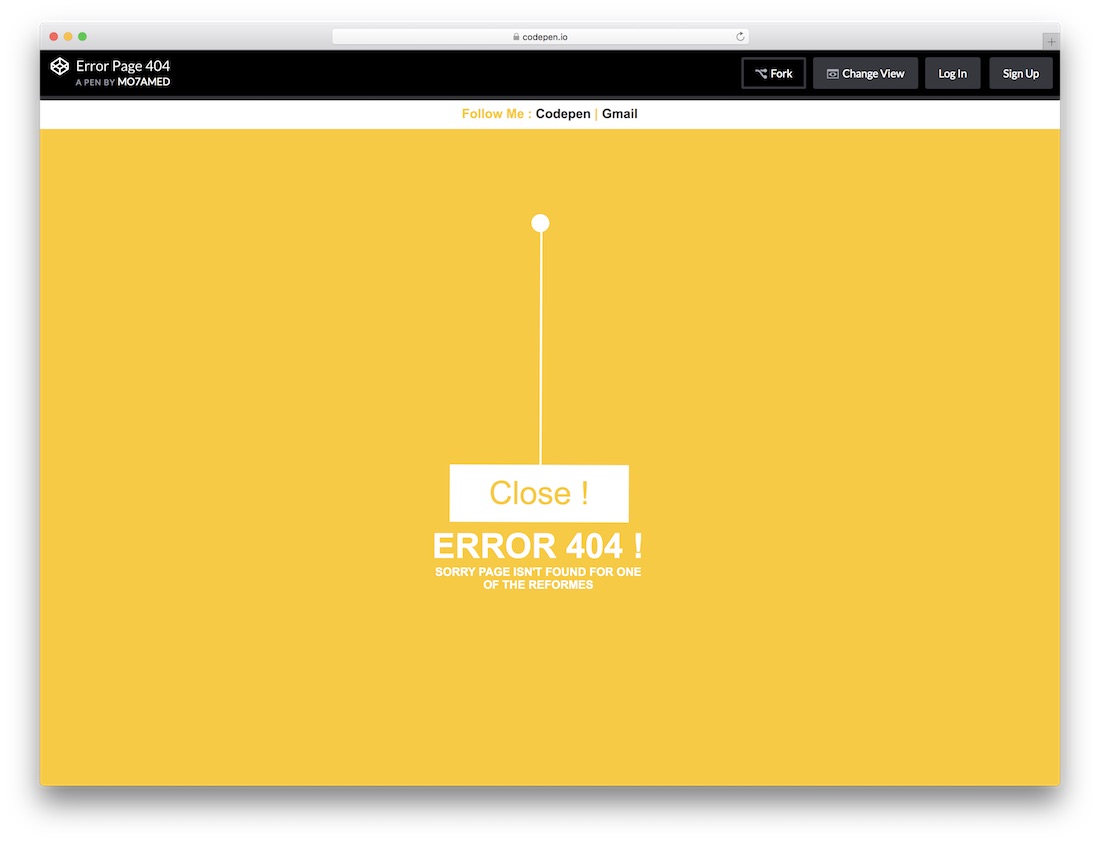
You might need to check this template if you are searching for a creative error page template for a restaurant website template or any other related template related to the store. The bright color and subtle animation notify the user that some error has occurred. At the top, you have the option to add your social profile link and a link to the contact details. If the website template uses any other color scheme, you can change this template’s bright yellow color to your default website color scheme. This template is developed purely on the HTML and CSS frameworks.
More info / Download Demo
Glitch Effect
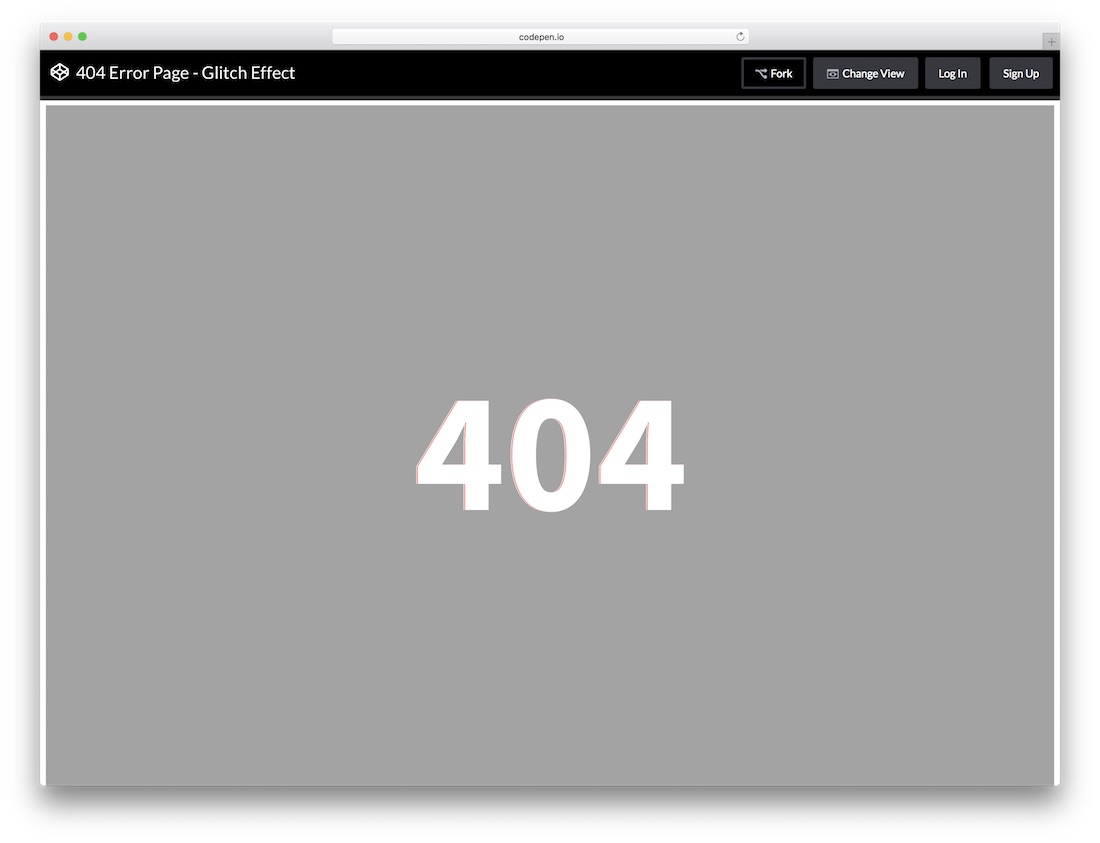
Glitch Effect is one of the trending design trends in the visual industry. Now it is slowly making its way to the web design world. With modern web development, we can make a perfect glitch effect that looks surreal. Again this template is just a base, you have to develop your error page. In the features wise also you don’t get any options. To say it, this template just shows the 404 error message directly to the users.
More info / Download
SVG Animation
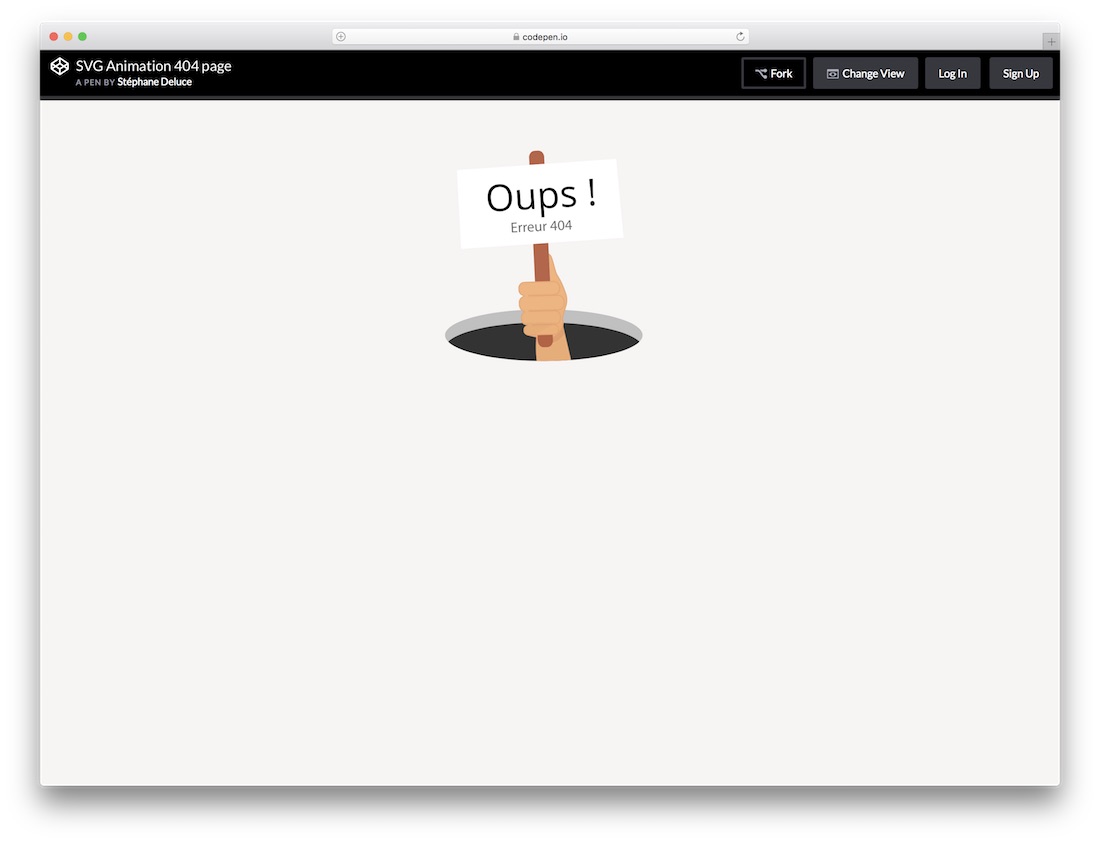
SVG Animation is another animated 404 error page template. If you wish to stay creative only with the visual effects, you can use this template. But you have plenty of white space in this full-width design layout. So you can customize and use this space to add any other useful links or a search bar option.
The SVG animation template uses HTML, CSS, and Javascript frameworks. Since this template prioritizes the visual effects, you have well-coded Javascript and only a few lines of CSS. This template is not mobile responsive. Overall if you intended to use this template, make it clear you can’t use this directly, you have to build your error page over this code.
More info / Download Demo
404 error page, Caveman mode
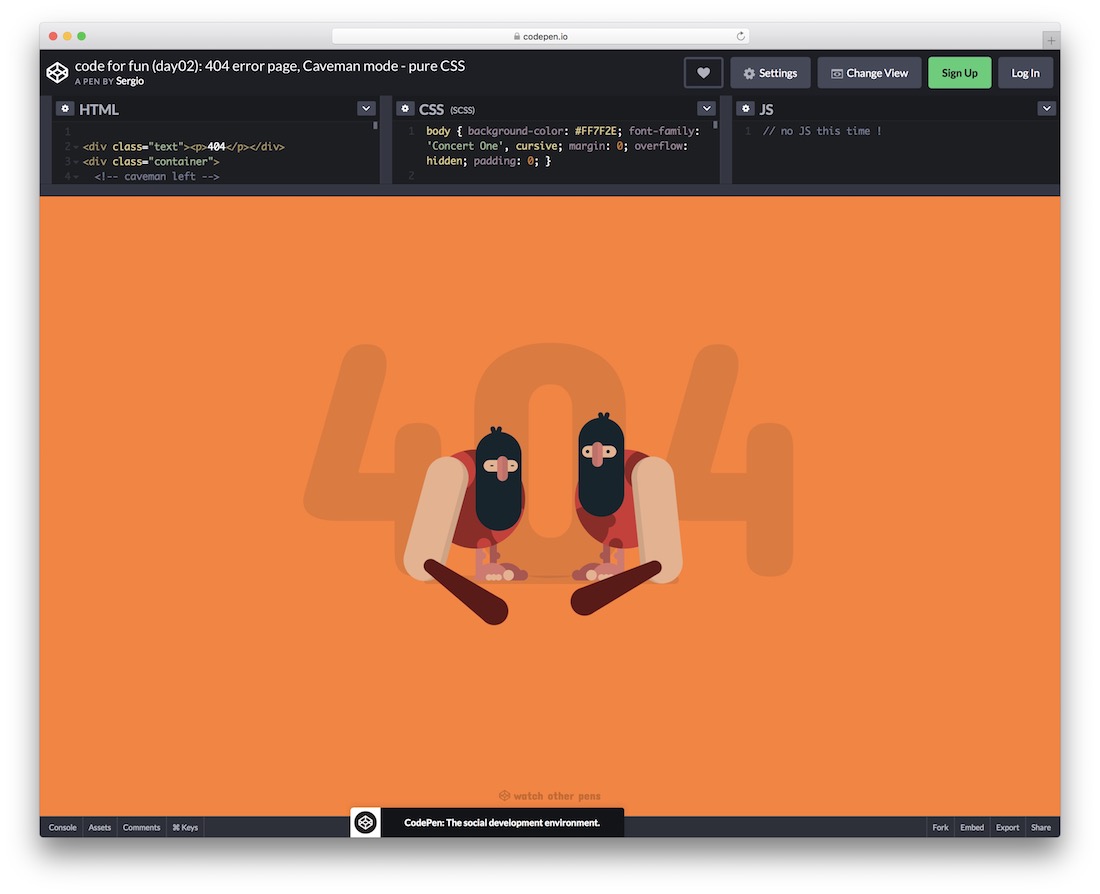
An terrific free error page template featuring two troglodytes hitting each other on the head with a club. Even if your page is clean and minimalistic, you can always level things up with an engaging error page. This one is a perfect alternative that will do the trick. It is so cool that it does not need any customization or whatnot. Just use it as is. But be careful, your visitors might love it so much, they will want to land on the error page on purpose. Anyway, enjoy using it and implementing it into your web space.
More info / Download Demo
404 error page
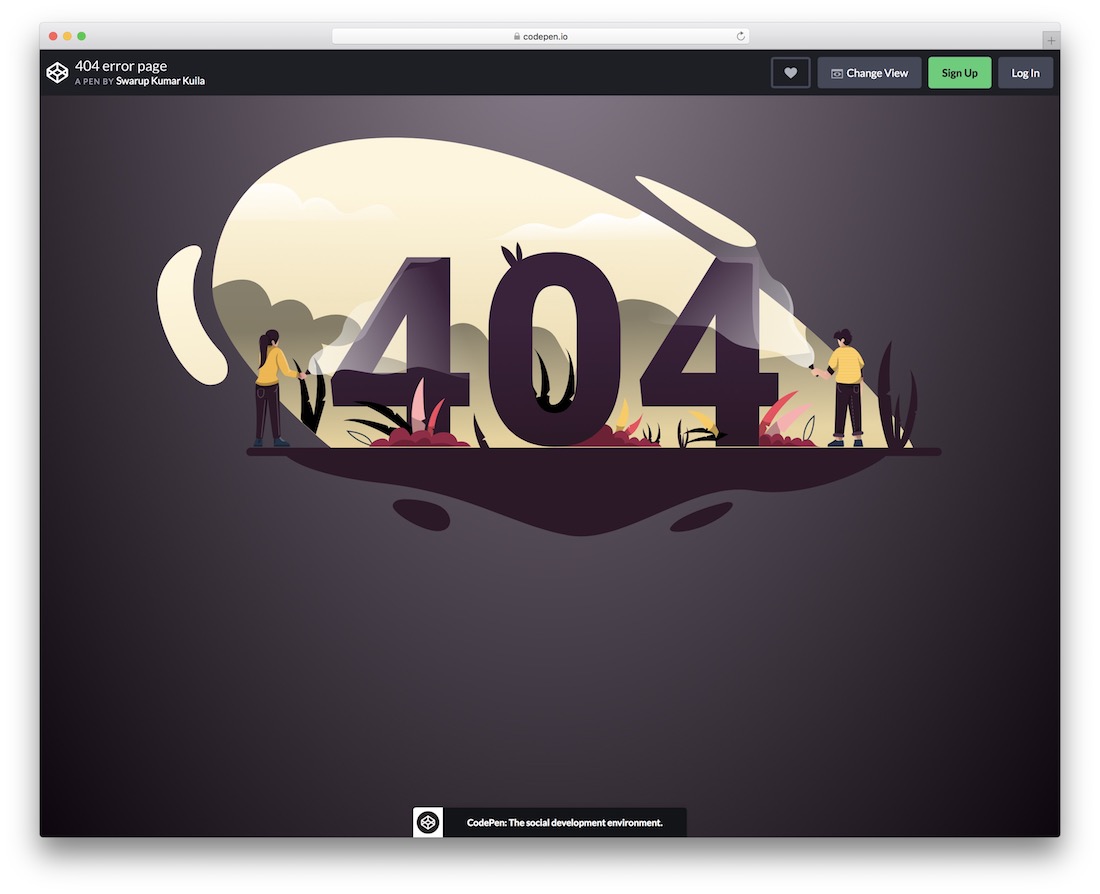
Another fantastic 404 error page, featuring two adventurists investigated the 404 sign with lamps. It sure is dark over there. A cool animation on the number zero, the lamps and making it feel like it is floating will definitely trigger everyone’s interest. While you would want to avoid getting folks to land on an error page, you would definitely want to make it as fun as possible when they do. However, to each their own. You have many designs and creations here that will definitely do the trick regardless of your taste. And they are free, so you can test a bunch of options before deciding on the winner.
More info / Download Demo
Photo Error
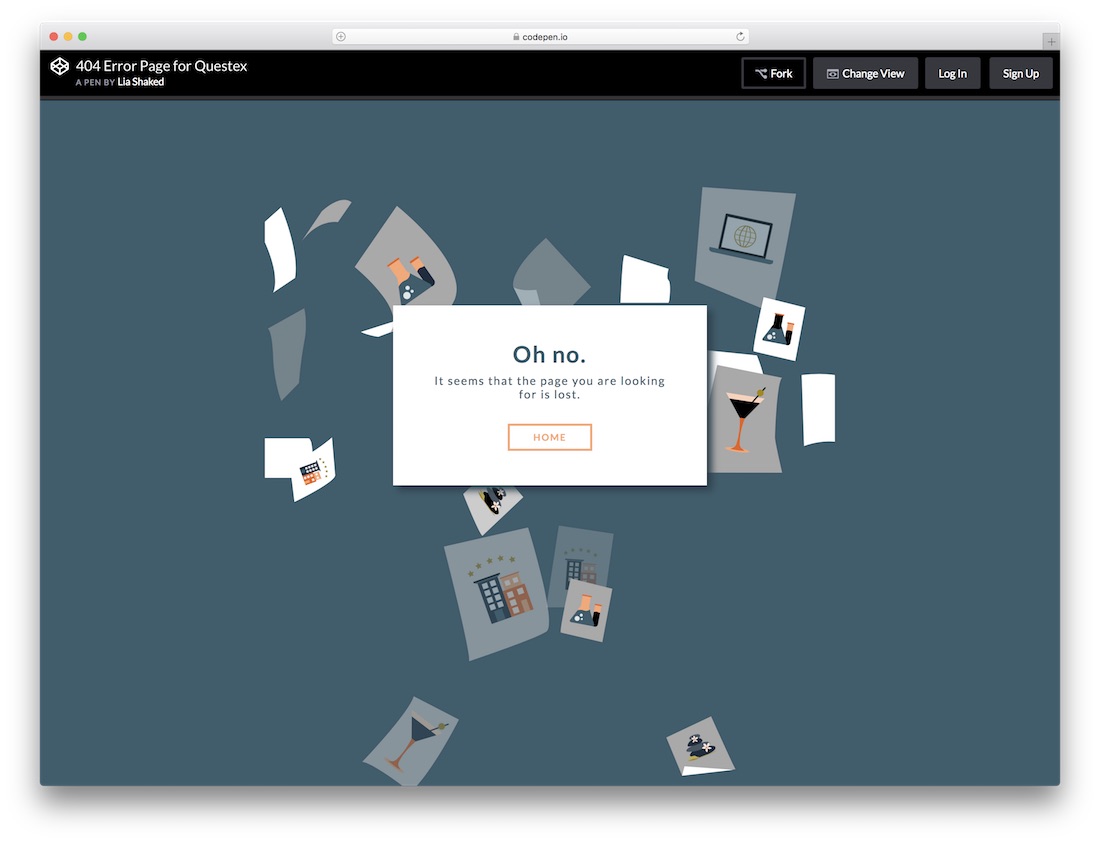
This error page template is a design inspiration for the photography website template and the directory website templates. Instead of a static background, this template uses animated photos falling effect. You can use this part to show your best clicks even on the error page. But the problem is you must get your hands dirty to make this template as you wish. Without customizations, you can’t make a personal impression with this error page template. Another useful feature with this template is a call to action button to take the user to the homepage and hover effects.
More info / Download Demo
What Will be Your Design Inspiration
These are some of the best free error page templates you can use as a design inspiration to create your custom error pages. Most of the templates in this list share the code they used to help you get even better idea on how they work. If you are a developer, this free error template will be a base model to create your custom template for your web projects. Still can’t find the template you want? Please look at our other template collections to get a better idea.
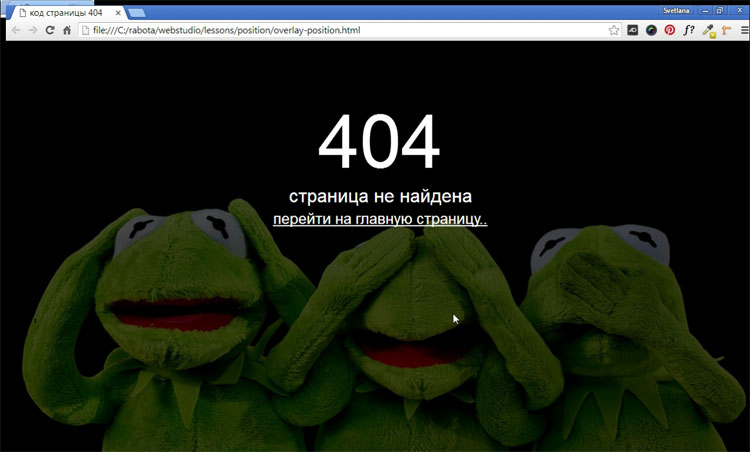
Постараюсь не сильно вдаваться в подробности, что такое 404-ая страница, достаточно открыть гугл и по запросу «Как сделать 404 страницу» — Вы обнаружите огромное количество сайтов с подробным описанием, что это такое. Я просто хочу поделиться с читателем своим способом создания 404-ой страницы. И вот, что у нас должно получиться в итоге.
Почему обязательно надо делать свою 404-ую страницу?
Главная и единственная причина – это не потерять посетителя. У каждого пользователя наверняка возникала такая ситуация, когда нажимая на ссылки на каком-нибудь сайте, браузер вместо запрашиваемой страницы показывал свою дефолтную страницу ошибки. Ошибка возникает в результате неправильно введенного запроса или запрашиваемая страница, была удалена самим веб-мастером. В таком случае все посетители ведут себя одинаково – закрывают страницу и уходят с вашего сайта.
Хватит воду лить! Давай конкретику!
Создаем два файла – 404.html и .htaccess (этот файл без имени, но с расширением htaccess), который автоматически перенаправляет посетителя на 404.html, в случае возникновения ошибки. Чтобы перенаправление работало, в этот файл надо прописать одну единственную строку:
ErrorDocument 404 http://www.site.ru/404.html
Когда оба файла будут готовы, залить их на сервер в корень домена.
Мы уже создали пустой файл 404.html и теперь будем наполнять HTML кодом саму 404 страницу, активно применяя HTML5 и CSS3. Я придумал свой способ, как сделать простую и красивую 404 страницу.
Первым делом нужно подобрать большую и качественную картинку или фотографию размером не менее 1200×750 пикселей. Существует много сайтов со свободной лицензией, откуда можно скачать очень качественные фотографии. Я бесплатно скачал с популярного сайта pixabay.com это забавное изображение.

Я хочу расположить картинку как фон на все окно браузера и в центре браузера написать – 404 страница не найдена и поставить ссылку на главную. Разберем подробнее самые важные моменты.
Эффект полупрозрачности RGBA
Выбранное изображение слишком яркое, надо его слегка затемнить, тогда текст будет более читаемый. Эффект полупрозрачного затемнения, можно получить используя RGBA, прописав в стилях блока следующую строчку кода:
background: rgba (0, 0, 0, 0.7);
Первые три буквы обозначают – красный, зеленый, синий и они равны нулю (то есть получаем черный цвет). А последняя буква «а» – представляет собой альфа-канал, отвечающий за полупрозрачность элемента. В нашем случае цифра 0.7 – говорит о 70% затемнения. Шкала от полной прозрачности до полной непрозрачности находиться между нулем и единицей (0…1).
Позиционирование элементов
Для правильной верстки моего примера 404 страницы, без понимания как работает свойство position, будет трудно. Посмотрев на конечный результат 404 страницы, нам надо понять структуру HTML документа. Здесь мы видим три слоя, наложенных друг на друга. Нижний слой <body> – сама картинка, средний в теге <div> – полупрозрачный блок затемнения и верхний <div> – текст. Наша задача задать нужное позиционирование содержимого этих слоев.
У среднего слоя будет абсолютное позиционирование, поскольку положение элемента (блок затемнения) задается относительно краев браузера с нулевыми отступами.
position: absolute;
Верхний текстовый слой позиционируем относительно элемента среднего слоя.
position: relative;
Код страницы 404
Имея этот готовый код и меняя только само изображение, можно наделать себе массу разных «ошибочных» страниц.
<!DOCTYPE html>

<html>

<head>

<meta charset="utf-8">

<title>Код страницы 404</title>

<style>

html { height: 100%; }

body {

  background: url(your_image.jpg) no-repeat;

  background-size: cover; /* Масштабирует картинку сохраняя пропорции */

  }

.over {

  background: rgba(0, 0, 0, 0.7); /* Цвет фона и значение прозрачности */

  position: absolute; /* Абсолютное позиционирование */

  left: 0; right: 0; top: 0; bottom: 0; /* Отступы от краев браузера */

  }

.404 {

  margin-top: 100px;

  text-align: center; /* Выравнивание текста по центру */

  font-size: 10em;

  color: #fcf9f9;

  position: relative; /* Относительное позиционирование */

  z-index: 2; /* Порядок наложения элемента по высоте */

  }

.notfound {

  text-align: center;

  color: #fff;

  font-size: 2em;

  position: relative; /* Относительное позиционирование */

  z-index: 2; /* Порядок наложения элемента по слоям в глубину */

  }

.notfound a {

  color: #fff;

  font-size: 0.8em;

  }

.notfound a:hover {

  color: yellow;

  text-decoration: none;

  }

</style>

</head>

<body>

<div class="over"></div>

<div class="404">404</div>

<div class="notfound">страница не найдена<br>

<a href="#"> перейти на главную страницу..</a>

</div>

</body>

</html>
Если Вы планируете заниматься созданием сайтов на заказ, то разобраться во всех тонкостях верстки, используя HTML5 и CSS3, Вам поможет мой видеокурс.
-

Создано 05.10.2017 01:11:33
-

Михаил Русаков
Копирование материалов разрешается только с указанием автора (Михаил Русаков) и индексируемой прямой ссылкой на сайт (http://myrusakov.ru)!
Добавляйтесь ко мне в друзья ВКонтакте: http://vk.com/myrusakov.
Если Вы хотите дать оценку мне и моей работе, то напишите её в моей группе: http://vk.com/rusakovmy.
Если Вы не хотите пропустить новые материалы на сайте,
то Вы можете подписаться на обновления: Подписаться на обновления
Если у Вас остались какие-либо вопросы, либо у Вас есть желание высказаться по поводу этой статьи, то Вы можете оставить свой комментарий внизу страницы.
Если Вам понравился сайт, то разместите ссылку на него (у себя на сайте, на форуме, в контакте):
-
Кнопка:
Она выглядит вот так:

-
Текстовая ссылка:
Она выглядит вот так: Как создать свой сайт
- BB-код ссылки для форумов (например, можете поставить её в подписи):
Today I am going to share an Error 404 page With HTML, CSS, & JavaScript example & source code. When you click on an invalid link on any website, there will show one page that called Error 404 page. Basically, code 404 define an error, that’s why its called error 404. I think you must have seen an error page on any website.
Today we will also create an error 404 page, but this program will be creative & unique. Because this page has some animation effect in the background. This fact makes this program unique. You can use this program on your website or blog, that will be a very cool effect.
I created this page with HTML, CSS & JavaScript. I used a JavaScript library called ‘Practicles‘. This library gives full freedom to create an animation as I used in this program. So, you can say this program is an HTML canvas also. If you don’t have knowledge about JS, you can take source code from here and make some changes according to your wish.
For an idea of how this program looks like, there is a preview for you guys:
Preview Of Error Page
First, see a preview of this error page program by this short video clip.
Now you got an idea about how this program looks like. If you want the source code of this page, given below.
You May Also Like:
- JavaScript Encryption Program
- Creative Slider With HTML, CSS, & JavaScript
- Dynamic Website Banner
Before sharing source code as always I want to say a little bit about this program. I had created a <div> and put <h1> & <p> inside the div. In ‘h1‘ tag I wrote Error 404, and paragraph tag wrote Go Back. And Background animation is all based on JS library I had mentioned above. You Have to create 3 files for this program one for HTML file, one for CSS file, & one for JavaScript / JS file.
index.html
Create an HTML file named ‘index.html‘ and put these codes given below. You can use any name as your choise.
|
1 2 3 4 5 6 7 8 9 10 11 12 13 14 15 16 17 18 19 20 21 22 23 24 25 26 27 28 29 30 31 |
<!DOCTYPE html> <!— code by webdevtrick ( https://webdevtrick.com ) —> <html> <head> <meta charset=«UTF-8»> <title>CREATIVE ERROR 404 PAGE — WEBDEVTRICK.COM</title> <script type=«text/javascript» src=«https://cdn.jsdelivr.net/particles.js/2.0.0/particles.min.js»></script> <meta name=«viewport» content=«width=device-width, initial-scale=1»> <link rel=«stylesheet» href=«style.css»> </head> <body> <div id=«particles-js»> <canvas class=«particles-js-canvas-el» style=«width: 100%; height: 100%;»> </canvas> </div> <div class=«container»> <div class=«text»> <h1 style=«text-shadow: -2px 0 0 rgba(255,0,0,.7), 2px 0 0 rgba(0,255,255,.7);»> ERROR 404 </h1> <p> <a href=«#»>go back</a></p> </div> </div> <script src=«function.js»></script> </body> </html> |
style.css
Now create a CSS file named ‘style.css‘ and copy-paste these codes given below.
|
1 2 3 4 5 6 7 8 9 10 11 12 13 14 15 16 17 18 19 20 21 22 23 24 25 26 27 28 29 30 31 32 33 34 35 36 37 38 39 40 41 42 43 44 45 46 47 48 49 50 51 52 53 54 55 56 57 58 59 60 61 62 63 64 65 66 67 68 69 70 71 72 73 74 75 76 77 78 79 |
/* code by webdevtrick ( https://webdevtrick.com ) */ .container { width: 100%; height: 100%; height: 100vh; overflow: hidden !important; } h1 { font-family: «Source Sans Pro», sans-serif; font-weight: bold; font-size: 80px; letter-spacing: 15px; text-transform: uppercase; text-align: center; color: rgb(241,241,241); margin: 0px; padding: 0px; } p { font-family: «Source Sans Pro», sans-serif; position: fixed; top: -250px; font-size: 20px; font-weight: 600; letter-spacing: 7.5px; text-transform: uppercase; text-align: center; color: rgb(241,241,241); padding-left: 50px; margin: 0px; } p a { color: rgb(241,241,241); text-decoration: none; margin: 0; padding: 0; } p a:hover { color: #808080; text-decoration: underline; } .text { position: relative; top: 50%; -webkit-transform: translateY(-50%) !important; -ms-transform: translateY(-50%) !important; transform: translateY(-50%) !important; z-index: 3; display: block; } body { margin: 0; } canvas { display: block; vertical-align: bottom; } #particles-js { position: absolute; width: 100%; height: 100%; background-color: rgb(14,14,14); background-repeat: no-repeat; background-size: cover; background-position: 50% 50%; } |
function.js
The final step, Create a JavaScript file named ‘function.js‘ and put these codes.
|
1 2 3 4 5 6 7 8 9 10 11 12 13 14 15 16 17 18 19 20 21 22 23 24 25 26 27 28 29 30 31 32 33 34 35 36 37 38 39 40 41 42 43 44 45 46 47 48 49 50 51 52 53 54 55 56 57 58 59 60 61 62 63 64 65 66 67 68 69 70 71 72 73 74 75 76 77 78 79 80 81 82 83 84 85 86 87 88 89 90 91 92 93 94 95 96 97 98 99 100 101 102 |
/* code by webdevtrick ( https://webdevtrick.com ) */ particlesJS(‘particles-js’, { ‘particles’: { ‘number’: { ‘value’: 80, ‘density’: { ‘enable’: true, ‘value_area’: 800 } }, ‘color’: { ‘value’: ‘#ffffff’ }, ‘shape’: { ‘type’: ‘circle’, ‘stroke’: { ‘width’: 0, ‘color’: ‘#000000’ }, ‘polygon’: { ‘nb_sides’: 5 }, ‘image’: { ‘src’: ‘img/github.svg’, ‘width’: 100, ‘height’: 100 } }, ‘opacity’: { ‘value’: 0.5, ‘random’: false, ‘anim’: { ‘enable’: false, ‘speed’: 1, ‘opacity_min’: 0.1, ‘sync’: false } }, ‘size’: { ‘value’: 3, ‘random’: true, ‘anim’: { ‘enable’: false, ‘speed’: 40, ‘size_min’: 0.1, ‘sync’: false } }, ‘line_linked’: { ‘enable’: true, ‘distance’: 150, ‘color’: ‘#ffffff’, ‘opacity’: 0.4, ‘width’: 1 }, ‘move’: { ‘enable’: true, ‘speed’: 6, ‘direction’: ‘none’, ‘random’: false, ‘straight’: false, ‘out_mode’: ‘out’, ‘bounce’: false, ‘attract’: { ‘enable’: false, ‘rotateX’: 600, ‘rotateY’: 1200 } } }, ‘interactivity’: { ‘detect_on’: ‘canvas’, ‘events’: { ‘onhover’: { ‘enable’: true, ‘mode’: ‘grab’ }, ‘onclick’: { ‘enable’: true, ‘mode’: ‘push’ }, ‘resize’: true }, ‘modes’: { ‘grab’: { ‘distance’: 140, ‘line_linked’: { ‘opacity’: 1 } }, ‘bubble’: { ‘distance’: 400, ‘size’: 40, ‘duration’: 2, ‘opacity’: 8, ‘speed’: 3 }, ‘repulse’: { ‘distance’: 200, ‘duration’: 0.4 }, ‘push’: { ‘particles_nb’: 4 }, ‘remove’: { ‘particles_nb’: 2 } } }, ‘retina_detect’: true }); |
That’s It. Now you have successfully created this awesome program. If you have any doubt and question comment down below.
Thanks For Visiting, Keep Visiting.